- Status: Confirmed / Investigating
- Affected Devices: Original Lenovo Legion Go (Z1 and Z1 Extreme models)
- Problematic Firmware: BIOS version N3CN42WW
- Release Date: June 17th, 2026
- Out-of-Warranty Repair Cost: Approximately €237.16 ($273.81)
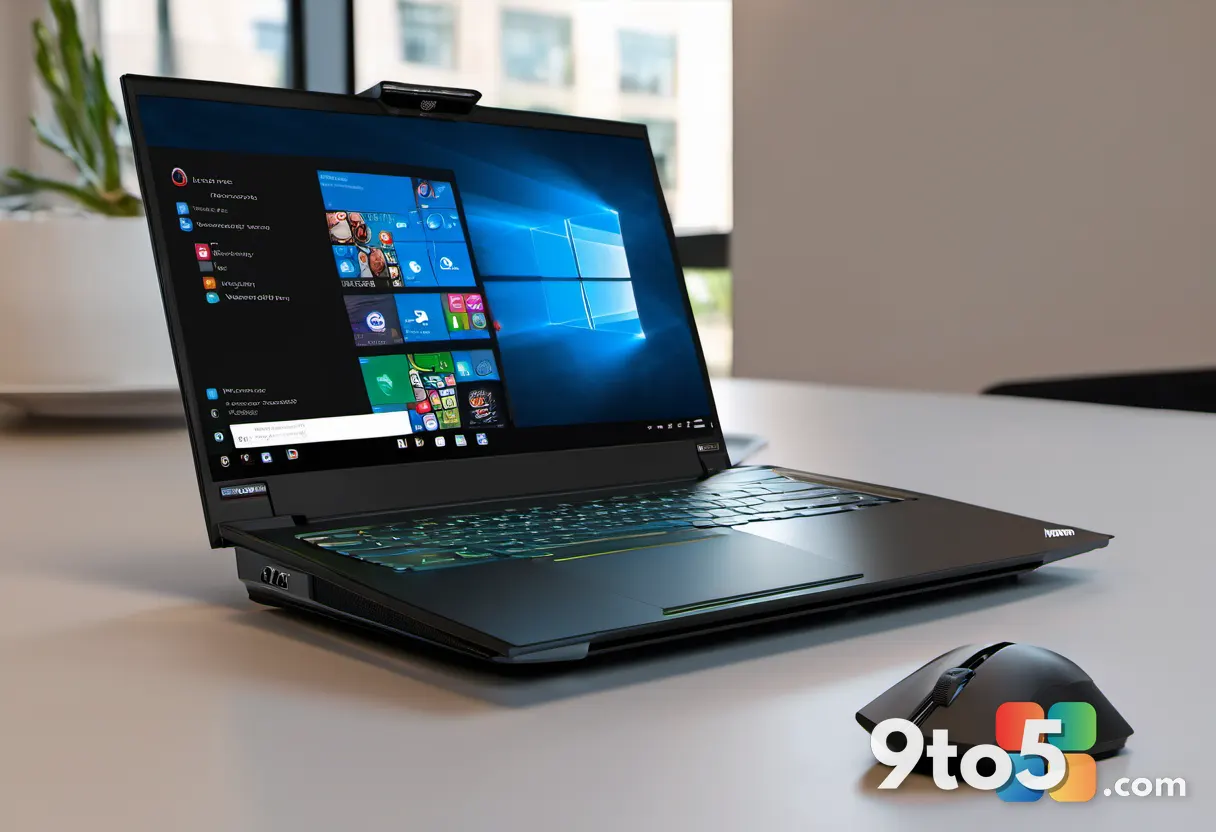
Owners of the Lenovo Legion Go are reporting widespread boot failures following a recent firmware rollout. According to community reports, installing the N3CN42WW update has left several units displaying a persistent black screen and unable to reach the operating system. While Lenovo has not yet issued an official statement detailing the root cause, the pattern of failure has prompted moderators of the Legion Go subreddit to issue a community warning.
The issue impacts the original Legion Go chassis, covering both the standard Z1 and the more powerful Z1 Extreme configurations. Reports indicate the failure manifests in two distinct ways: some devices refuse to boot immediately after the update completes, while others function normally for a period before suddenly failing to start up later. Additionally, some users have noted secondary performance degradation over time, including unresponsive controllers and intermittent connectivity drops, suggesting the firmware may be affecting core system stability beyond just the boot sequence.
What This Means for You
If you are currently using a Legion Go, the immediate priority is device preservation. The reported nature of this failure—where the system cannot initialize—means standard troubleshooting steps like hard resets or driver rollbacks will likely be ineffective. You should pause any pending update notifications and avoid manually forcing the firmware installation through the Lenovo Vantage app or manual download channels. BIOS updates modify the low-level software that initializes hardware before the operating system loads, making them critical but inherently risky if the flashing process is interrupted or contains errors.
Repair Costs and Warranty Coverage
One of the most concerning aspects of this report is the financial impact on owners. Users who contacted Lenovo support for assistance were informed that repairs for devices affected by this firmware issue would be treated as standard out-of-warranty service. One user shared a repair quote of €237.16 (roughly $273.81), a significant cost for a handheld gaming device that may still be relatively new.
However, community feedback suggests a discrepancy in how cases are handled. Several owners reported that their devices were repaired at no cost when the failure occurred while the unit was still under the manufacturer’s warranty. This implies that warranty status may play a critical role in how Lenovo processes these specific firmware-related claims. If your device is within the warranty window, it is highly advisable to submit a claim immediately rather than attempting third-party repairs, as unauthorized interventions could void your coverage.
What to Do If You Are Affected
For those already experiencing the black screen issue, the situation requires careful handling. Community members have shared complex recovery methods involving specific button combinations and external display workarounds, but these are not officially endorsed and carry a risk of further data loss or hardware lockout. Attempting unverified fixes on a bricked unit can sometimes void remaining support options or complicate future professional recovery.
If your device is out of warranty, document your interactions with Lenovo support thoroughly. Keep records of all communication, repair quotes, and case numbers. Given the scale of the reported issue, there is a possibility that Lenovo may adjust its repair policy or issue a corrective firmware patch in the near future. Reaching out to the Legion Go subreddit moderators and reporting your specific case can also help aggregate data that may accelerate a response from the manufacturer.
Until Lenovo provides an official resolution or acknowledges the widespread nature of this firmware bug, the safest course of action for all Legion Go owners is to hold off on updating. Monitor official Lenovo support channels and trusted tech news outlets for announcements regarding a potential rollback or a patched version of the N3CN42WW firmware. Protecting your investment now will save you from potential repair fees and extended downtime later.
Source: Latest from Windows Central
Over to you: If you own a Legion Go, are you holding off on the latest BIOS update until Lenovo resolves these boot issues?