Google is finally bringing its AI assistant to Windows, and the result is a native Gemini Windows desktop app that you can launch quickly and directly over whatever you’re already working on. According to Neowin, you can trigger it with a customizable Alt + Space keyboard shortcut or by clicking an icon in the system tray, without having to context-switch to a browser.
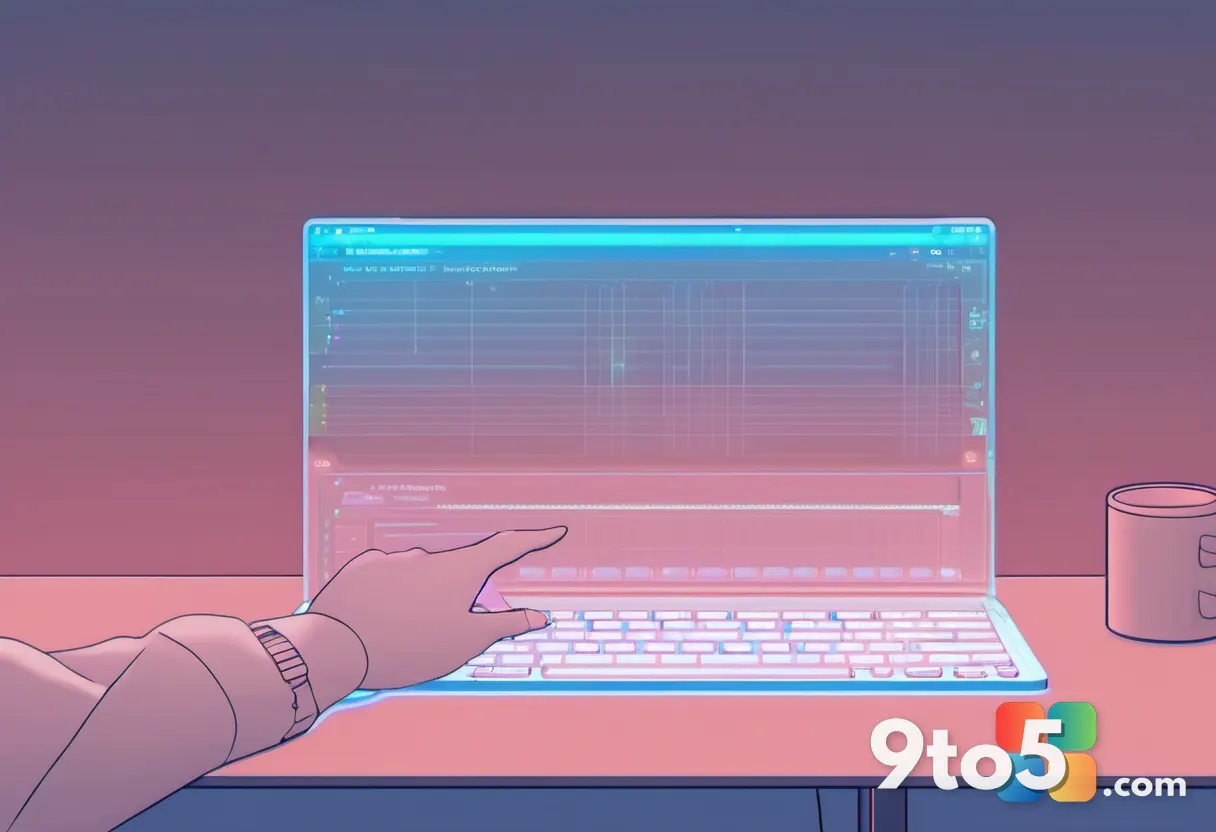
The app is designed to float on top of your active windows, so you can ask questions, summarize text, or pull up information while keeping your current document, spreadsheet, or browser tab visible. It’s a meaningful shift from the web-based version of Gemini, which normally requires opening a tab and navigating to a URL.
How the Gemini Windows desktop app works
The core idea behind the app is proximity to your workflow. Rather than forcing you to open a separate browser window, the Gemini desktop app launches as an overlay that sits above your other programs. This means you can keep your work in view while chatting with the assistant, which mirrors how several established Windows utilities already operate.
The customizable Alt + Space shortcut is the primary way to invoke it. Because the combination is adjustable, you can set it to whatever feels natural and avoid clashing with hotkeys already used by your favorite applications. This is a notable detail, since Alt + Space is a relatively common shortcut across Windows software, and Google is apparently letting users reassign it rather than locking in a fixed key.
The system tray provides a second, more low-key entry point. If you’d rather not memorize a key combination, you can simply click the Gemini icon in the notification area near your clock. Both methods reach the same destination: instant access to the assistant wherever you are in Windows.
What this means for you
For everyday Windows users, the practical takeaway is speed and convenience. If you already use Gemini for tasks like drafting emails, summarizing articles, or answering quick questions, having it docked into your desktop means you no longer have to leave your current task to reach it. The overlay approach keeps your workflow intact instead of interrupting it.
It’s also worth noting the broader context here. Google has long offered Gemini on mobile platforms and a Mac app, but Windows has been a gap in its AI strategy — precisely because Microsoft has pushed its own Copilot assistant so aggressively into the operating system. With this native app, Google is making a more direct play for desktop AI users who want an alternative to Copilot.
How to get the Gemini Windows desktop app
Google is distributing the app directly, and you can download it from Google’s official channels. As with most desktop AI assistants, you’ll need a Google account to sign in, and you may be prompted to choose between the free tier and a Gemini subscription for higher usage limits.
Because the app is still relatively new, availability and feature parity with the mobile and web versions may vary over time. If a particular feature you rely on isn’t showing up in the desktop app yet, treat that as a temporary gap rather than a permanent one — companies typically roll out parity updates shortly after an initial launch.
Google’s wider AI push on Windows
This launch fits into Google’s broader effort to make Gemini a cross-platform staple. The company has already brought Gemini to Android, iOS, and macOS, and adding a native Windows app closes one of the last major gaps in that strategy.
From a competitive standpoint, it’s a direct response to Microsoft’s Copilot. While Copilot is baked into Windows and tied to Microsoft 365, Gemini’s desktop app offers users a genuinely independent option that doesn’t require switching ecosystems. Whether that’s enough to win over Copilot users remains to be seen, but it at least gives people a real choice for desktop AI.
For now, the Gemini Windows desktop app is a welcome addition for anyone who wants AI access without leaving their workflow. Keep an eye on Google’s updates, as the app is likely to gain more features and tighter Windows integration in the months ahead.
Source: Neowin
Over to you: Will you switch to Gemini’s new Windows app for your daily AI tasks, or stick with Microsoft Copilot?