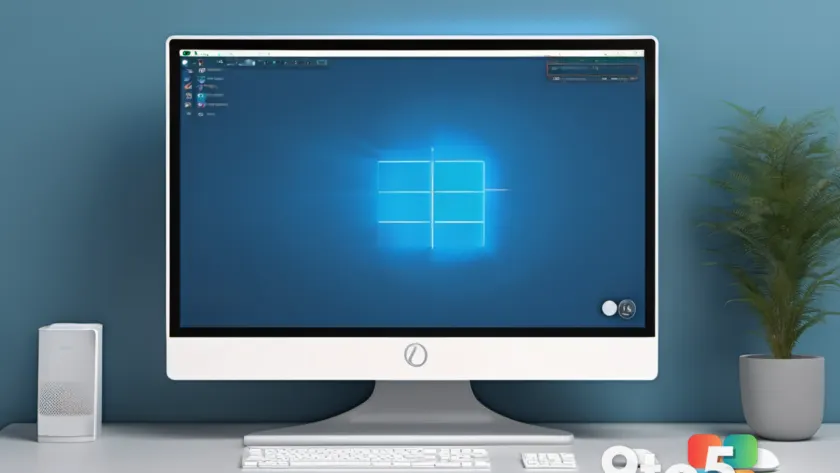
A limited-time deal is currently listing Windows 11 Pro for just $9.97 — a dramatic cut from the operating system’s standard retail price of $199.99. That’s roughly a 95% discount, making it one of the cheapest ways to land Microsoft’s premium edition. If you’ve been thinking about upgrading or putting together a new PC, this is worth a look.
Here’s what the deal covers, what Windows 11 Pro actually gives you, and a few things to check before you buy.
What Windows 11 Pro offers
Windows 11 Pro is the higher-tier version of Microsoft’s current desktop operating system, aimed at power users, professionals, and small businesses. It builds on the consumer Windows 11 experience and layers in a set of tools that matter most to people who push their machines harder than the average user.
The most notable additions are security-focused. Pro includes BitLocker full-disk encryption, Windows Hello sign-in via face or fingerprint, and finer control over Secure Boot and TPM (Trusted Platform Module) settings — the same protections that enterprise deployments rely on to keep data safe on lost or stolen hardware.
For multitasking, Pro carries over the desktop’s productivity features: Snap Layouts for organizing windows into neat grids, Virtual Desks for separating work and personal tasks, and multi-desktop switching across displays. It also adds Remote Desktop hosting, Hyper-V virtualization, and support for higher hardware configurations, including more processors and RAM than the home edition allows.
In practical terms, you get the same modern Windows 11 interface you’ve seen in Microsoft’s marketing, plus the business-grade controls that power users tend to want but that the standard Home edition leaves out.
What you’re actually buying
Before you check out on a deal this cheap, it helps to understand what kind of license you’re getting. Keys priced at $9.97 are almost never sold directly by Microsoft — they typically arrive through third-party resellers and are frequently OEM or volume-style licenses rather than full retail transfers.
That distinction is worth knowing. An OEM key is generally locked to the first machine it’s activated on and isn’t designed to move to a new PC later, whereas a retail license can be transferred between devices. The exact terms depend entirely on the seller, so read the listing carefully and confirm what you’re purchasing before paying.
These low-price deals have been a long-standing part of the Windows licensing market, offering genuine activation at a fraction of store price. Resellers can afford them because many of these keys come from bulk or OEM channels that were never intended for individual resale. They work well for most people setting up a single machine, but they aren’t a substitute for an enterprise volume-licensing agreement if you’re provisioning dozens of workstations.
What This Means for You
For the everyday user, this Windows 11 Pro deal makes the premium edition accessible at a price that’s hard to match — especially if you’ve been content with Windows 11 Home and want more control over security and multitasking.
The main caveat is the license type. If you’re building a one-off PC or upgrading an existing machine you intend to keep, a cheap Pro key is a sensible way to unlock features like BitLocker and Virtual Desks. If you value the ability to move your license between computers down the line, you may want to spend more on a retail, transferable license instead.
How to Get the Deal
The Windows 11 Pro deal is listed at $9.97 via the Neowin deal page. Because these offers are time-limited and tied to seller inventory, the price and availability can change without notice, so it’s worth grabbing it while it lasts if you’ve decided Pro is right for you.
Once you have your key, activation is straightforward: enter the product key during or after installation via Windows Settings > System > Activation, where Windows validates the license against your Microsoft account and hardware.
Source: Neowin
Over to you: Are you grabbing this Windows 11 Pro deal, or will you stick with Windows 11 Home?