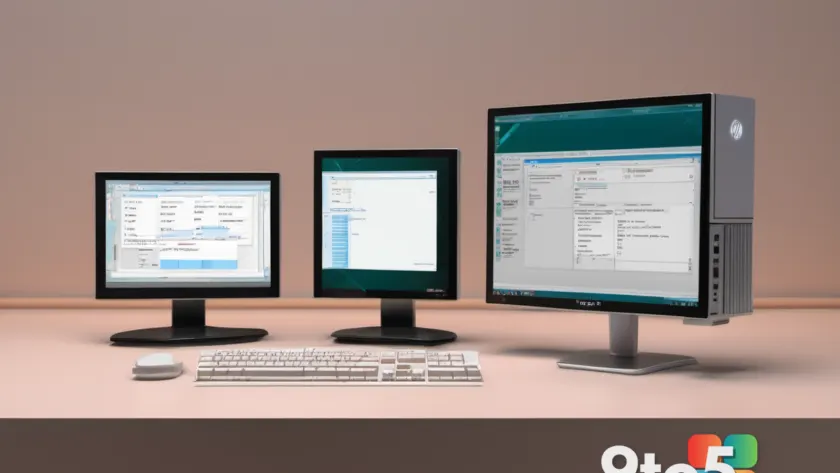
If you are feeling overwhelmed by the constant stream of AI features, telemetry, and subscription prompts in modern Microsoft Word, a developer has found a way back to the beginning. The Word for Windows 1.1a port successfully brings the 1990 release of Microsoft’s word processor to run natively on Windows 11, bypassing emulation layers entirely.
This project is not merely a nostalgic curiosity; it represents a significant engineering effort to adapt legacy code to modern operating system architectures. According to the initial report from Neowin, the developer managed to compile and run the original application without relying on compatibility shims or virtual machines, which is a notable technical milestone for retro software preservation.
The Technical Challenge of Native Execution
Running software from the early 1990s on a modern Windows 11 system presents several architectural hurdles. The original Word for Windows 1.1a was built for 16-bit environments and relied on the Windows 3.x API, which has been completely deprecated in favor of 64-bit processes and modern Win32/WinRT interfaces.
Most retro enthusiasts rely on DOSBox or Windows 3.1 emulation to experience this era of computing. However, emulation introduces latency, graphical glitches, and input lag that can make the experience feel disconnected. By recompiling the source code and adjusting memory management routines to align with modern Windows standards, this project delivers a smoother, more responsive experience that feels like the application was originally designed for today’s hardware.

The process likely involved rewriting legacy function calls, updating resource files for higher resolutions, and patching the installer to recognize Windows 11 registry structures. For developers interested in software preservation, this serves as a practical case study in how to bridge the gap between decades-old codebases and contemporary operating systems without sacrificing performance.
What the Interface Actually Looks Like Today
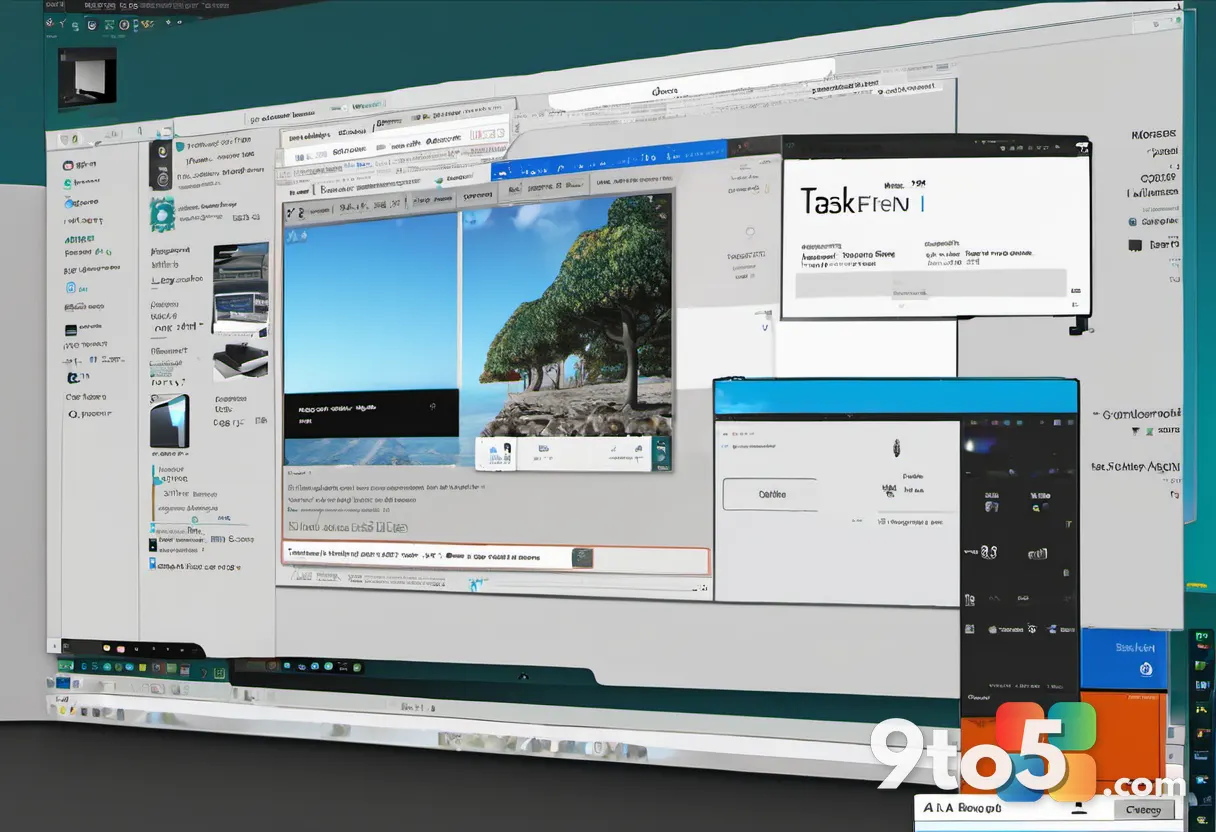
Launching the ported application on a modern display reveals just how far graphical user interfaces have evolved. The original Word for Windows 1.1a featured a minimalist design with a single menu bar, a basic toolbar, and a plain white document window. There were no ribbons, no floating task panes, and no dark mode toggles.
On a high-DPI Windows 11 screen, the interface may appear slightly small by default, but the port handles scaling reasonably well. The typography remains crisp, and the mouse-driven navigation feels responsive. For users who remember the era of WordPerfect dominating the market, this version of Word was Microsoft’s first serious attempt to bring a professional word processor to the graphical desktop.
The experience is intentionally stripped down. You get exactly what you need to write: a cursor, a page, and a set of formatting options. There are no background processes, no cloud sync prompts, and no suggestions to upgrade to a Microsoft 365 subscription. It is a pure writing environment that prioritizes function over feature accumulation.
AI Features vs. The Simplicity of 1990
The timing of this release is particularly relevant given the current state of Microsoft Word. Modern versions of the application are heavily integrated with Copilot, offering AI-driven writing assistance, automatic formatting, and document summarization. While these tools are powerful, they also introduce complexity, require active subscriptions, and raise privacy considerations for many users.
This port highlights a growing desire among power users to reclaim control over their productivity tools. By removing the modern telemetry and AI integrations, the developer demonstrates that the core utility of a word processor has not changed in thirty-five years. The fundamental act of typing, editing, and saving a document remains identical, regardless of the underlying technology.
For professionals who prefer a distraction-free workflow, this project offers a compelling alternative. It proves that legacy software can still hold value in an era dominated by continuous updates and cloud dependency. The port does not replace modern Word for collaborative or enterprise use, but it provides a valuable reference point for what the application originally aimed to achieve.
What This Means for You
If you are a developer, historian, or simply a user tired of software bloat, this project is worth exploring. It serves as a reminder that software does not always need to become more complex to remain useful. The Word for Windows 1.1a port stands as a testament to the longevity of well-written code and the ingenuity of the open-source preservation community.
For everyday users, the takeaway is straightforward: you do not need the newest features to be productive. Sometimes, the best tool is the one that gets out of your way and lets you focus on the work itself.
How to Get It
As with most projects of this nature, the files are likely hosted on developer repositories such as GitHub or shared through retro computing forums. Users interested in testing the port should verify system requirements, as the project targets 64-bit Windows 11 installations. Always review the accompanying documentation for installation instructions and any necessary configuration tweaks before running legacy applications on modern hardware.
Source: Neowin
Over to you: Would you use this retro Word port for actual work, or just keep it as a nostalgia project?