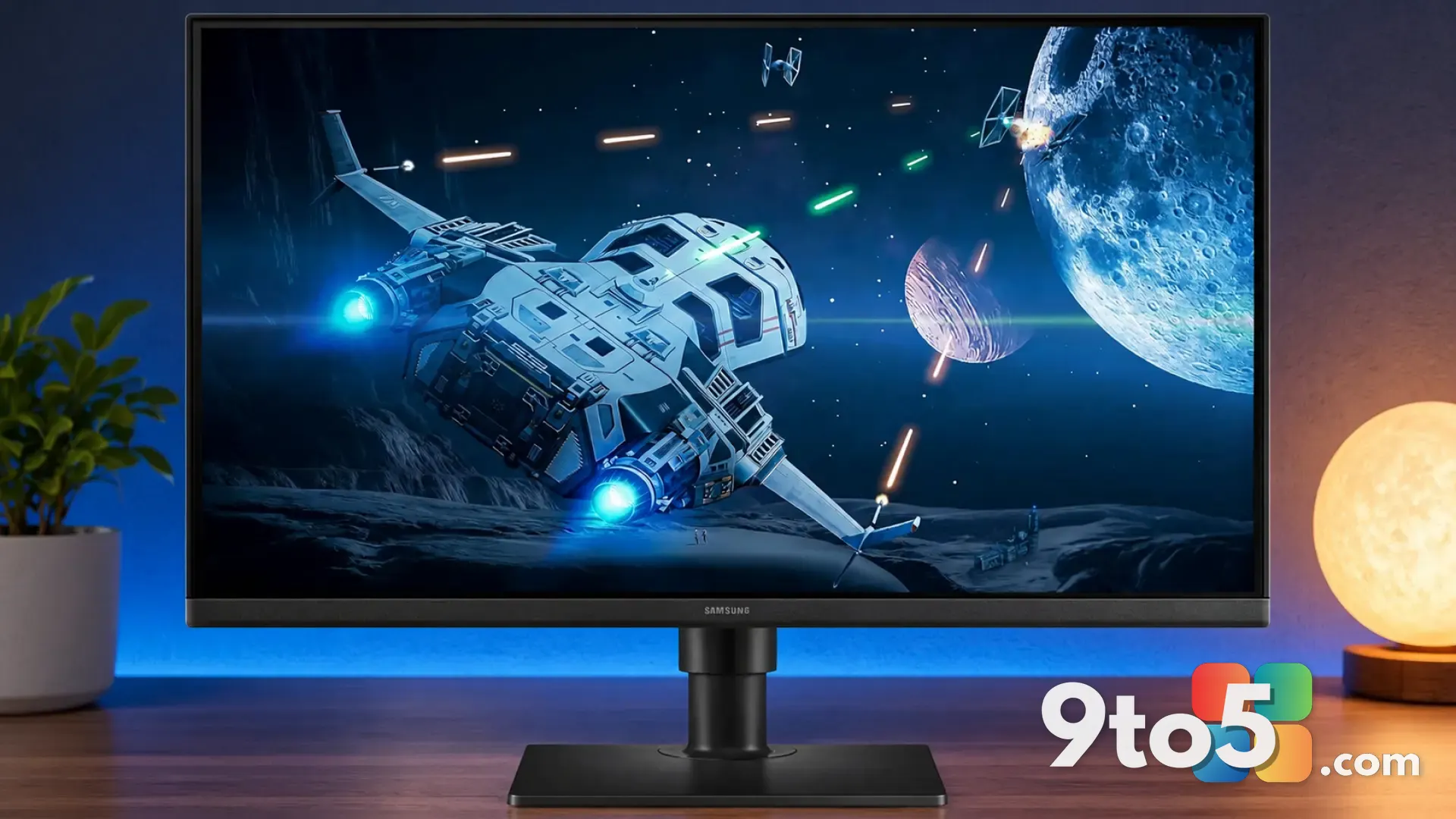
Looking for a big-screen upgrade without the big-screen price, this Asus monitor deal is worth a look. A 23.8-inch Asus display marketed as a solid all-rounder for both gaming and everyday office tasks has dropped to just $79, according to a deal report from Neowin.
At that price, the monitor lands squarely in budget territory, which makes it an attractive option for anyone replacing a worn-out display, setting up a home office, or outfitting a second screen. Here’s what we know about the offer and what it means for shoppers.
A dual-purpose display at a budget price
The listing positions the monitor as a pick for “both gamers and office pros,” which is a common angle for mid-size panels. A 23.8-inch screen sits in the sweet spot for most desks: large enough to split windows and keep a spreadsheet and a chat window side by side, yet small enough to fit on a typical workspace without dominating it.
Monitors marketed as dual-purpose usually aim to balance two competing priorities. Productivity users want comfortable viewing over long sessions and crisp text, while gamers look for a fast enough refresh rate and quick response times for casual play. A $79 panel typically targets the former more strongly, offering a smooth-enough experience for lighter gaming rather than competitive esports.
What to expect from a budget Asus panel
Asus has built a reputation for including a handful of eye-comfort features even on its cheaper monitors, and this category of display generally follows that pattern. Asus has long bundled technologies it calls Eye Care, which combine flicker-free backlighting and a low blue-light mode to reduce strain during long sessions.
For office work specifically, these features matter more than raw specs. If you’re staring at a screen for eight hours a day, a flicker-free panel and reduced blue-light output can make a noticeable difference in comfort by end of day. Whether this particular unit carries those exact features, though, depends on the specific model — the deal report highlights that the display “packs several useful features” without spelling them all out.
Resolution is another area to keep in mind. A 23.8-inch monitor at this price point is almost always a 1080p (1920 x 1080) panel, which delivers sharp text and adequate detail for most tasks. Higher resolutions like 1440p or 4K are essentially never found at $79, so manage your expectations accordingly.
Who this monitor is for
The strongest fit is anyone on a tight budget who needs a reliable primary or secondary screen. Students, remote workers, and anyone upgrading from an old or damaged display will likely find $79 hard to beat for a name-brand 23.8-inch panel.
Casual gamers will also appreciate the value. If your gaming leans toward single-player titles, indie games, or older titles rather than fast-paced competitive shooters, a budget panel is more than sufficient. Serious competitive gamers, though, will probably want to save for a higher-refresh-rate display.
Is the $79 Asus monitor deal worth it?
The bottom line is that a $79 Asus 23.8-inch monitor is a low-risk purchase for everyday computing. It won’t turn your desk into a pro gaming rig, but for web browsing, documents, video calls, and light entertainment, it should hold its own. The main appeal is the price-to-brand ratio: you’re getting a recognized manufacturer’s panel at a price usually reserved for no-name displays.
If you’re shopping around, it’s worth comparing this against other budget options in the same price range. The deciding factors will usually come down to the exact panel specs, the included ports (HDMI and DisplayPort are the useful ones), and the stand’s adjustability. A monitor that tilts or offers a VESA mount point gives you more flexibility over time.
How to get the deal
Because deal prices and availability change quickly, check the current listing to confirm the $79 price and in-stock status before committing. Budget monitors like this often sell out or fluctuate in price, so if you see it at the advertised price, that’s typically a good time to pull the trigger.
When you order, double-check what’s in the box — cables and stand quality vary by model, and some budget panels ship without a HDMI cable, which could mean an extra purchase if your PC doesn’t match the port on hand.
Source: Neowin
Over to you: Would you grab this $79 Asus panel for a home-office setup, or are you saving for a higher-refresh-rate gaming monitor?