Microsoft is completely reworking the Photos app in Windows 11, and this Photos app redesign brings a fresh interface, faster performance, and an expanded set of AI-powered tools to the way you view and edit your pictures.
According to Neowin’s reporting on the announcement, the update represents one of the most substantial overhauls of the app in recent memory. It also signals that Microsoft still considers the Photos app a core part of the Windows 11 experience rather than a leftover from earlier eras that could quietly be phased out.
Here’s what we know about the redesign and what it could mean for everyday users.
A fresh interface for a longtime staple
The most visible change is the app’s user interface. Microsoft is giving the Photos app a new look that departs from its current design language, aiming for a cleaner and more modern layout.
The Photos app has served as Windows 11’s default image and video viewer since the operating system launched in 2021, replacing older tools like Windows Photo Viewer. Over time, it accumulated a mix of features for browsing, basic editing, and slideshow creation, but its interface has drawn criticism for feeling cluttered and inconsistent across different screens.
A redesign of this scope typically means a reorganized library view, updated toolbar controls, and a more streamlined editing experience. However, Microsoft has not published detailed screenshots or a full feature breakdown in the initial announcement, so the exact layout changes remain to be confirmed.
Faster under the hood
Beyond cosmetics, Microsoft is working on performance. The redesigned app is reportedly built to open and run faster than its predecessor, which is a meaningful improvement for anyone with a large photo library.
Slow load times and laggy scrolling have been common complaints about the Photos app, especially when navigating folders full of high-resolution images and 4K videos. A speed-focused rebuild could address those pain points directly, letting you flip through collections without the familiar hiccups.
Microsoft hasn’t shared specific benchmarks or technical details about how the performance gains were achieved, so treat those numbers as unconfirmed until the company provides more detail.
More AI features in the mix
Perhaps the most anticipated part of the update is the expansion of AI capabilities. Microsoft is packing the redesigned Photos app with even more AI-powered features than before.
This fits into Microsoft’s broader push to weave AI into everyday Windows apps, from search and productivity tools to creative utilities. The company has already layered AI editing tools onto the Photos app over recent years, including features for removing backgrounds and isolating subjects within a photo.
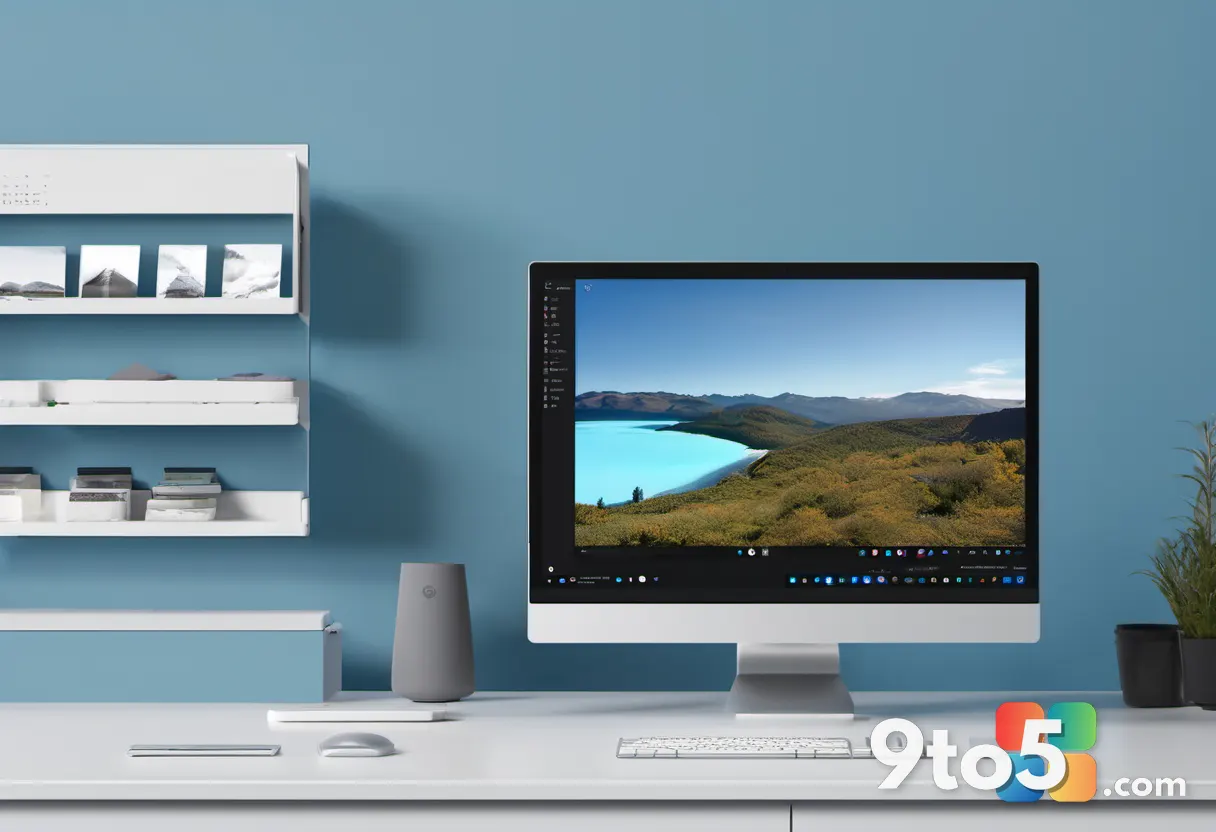
The new redesign appears to build on that foundation, though Microsoft has not itemized the specific AI tools arriving in this update. Expectations around AI photo editing often include background removal, object selection, and one-tap enhancements, but those should be treated as likely directions rather than confirmed additions until Microsoft lists them.
What this means for you
For most Windows 11 users, the Photos app is the first stop when opening a picture or video. A faster, cleaner interface with stronger AI tools could make that routine experience noticeably better, particularly if you edit photos on the regular or manage a large collection.
In practical terms, a redesigned app means less time waiting for images to load and more capable editing options without reaching for third-party software. The AI features, once confirmed, could simplify tasks that previously required separate apps or manual effort.
How to get it
Microsoft typically rolls out app updates through the Microsoft Store, and the Photos app is also bundled as a system app within Windows 11. Users can check for updates by opening the Store and looking for an update prompt, or by letting Windows update automatically.
Because the initial announcement has been high-level, the rollout timing and availability may vary by region and build. If you don’t see the changes immediately, keep your system and Store apps up to date, and watch Microsoft’s official channels for a fuller feature list.
Source: Neowin
Over to you: Which of the three updates—the new look, the faster speed, or the more AI tools—are you most excited to see in the Photos app?