Microsoft is changing how people back up one of the most important apps on their phones. The company has confirmed that Microsoft Authenticator backups will lose their native backup feature in 2027, with storage moving over to Google One. For most users this is a behind-the-scenes shift, but there’s a notable catch for anyone on an iPhone or iPad.
What’s changing with Microsoft Authenticator backups
Microsoft Authenticator is the app that handles approval prompts for multi-factor authentication, supports passwordless sign-ins, and — in recent versions — stores your saved Edge passwords. To keep that data safe when you switch phones, the app has long included a backup feature that encrypts your accounts and stores them in the cloud.
On Android, that backup has historically been tied to your Google account. On iOS, it uses iCloud. This native backup system is what lets you restore your logins and credentials after installing the app on a new device, and it’s the reason people don’t get locked out when their phone is lost or wiped.
According to the reporting, Microsoft plans to remove that built-in backup mechanism entirely in 2027. Rather than maintaining the app’s own backup infrastructure, the company is consolidating backup storage onto Google One. This fits a broader Microsoft push toward passwordless sign-ins, which leans heavily on the Authenticator app as the trusted device that proves who you are.
Why Google One is taking over
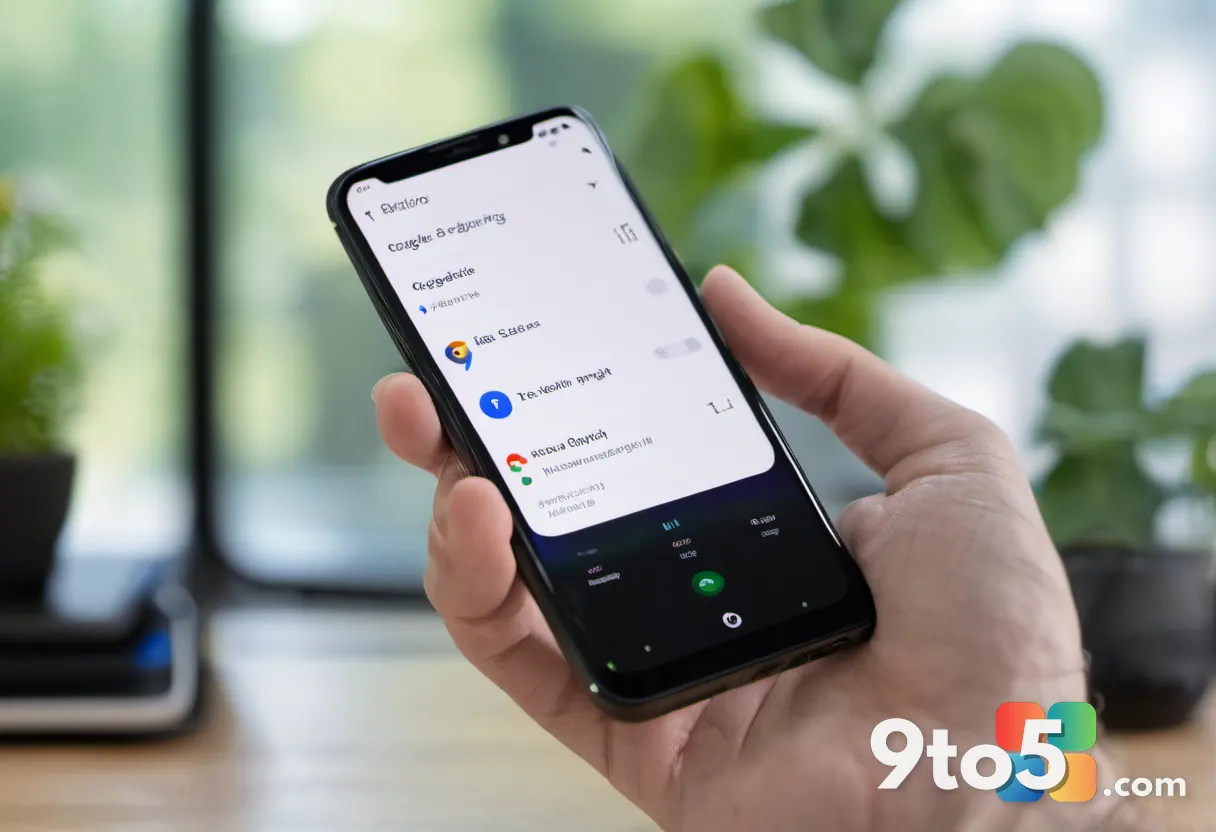
Google One is Google’s paid cloud storage and backup service, and it already handles Android system backups like app data and device settings. Routing Microsoft Authenticator backups through it is a natural fit for Android users, who would back up and restore within the same Google ecosystem they already use day to day.
Starting at the beginning of 2027, Google One will be able to store your Microsoft Authenticator backups. Android users should already see the option to enable Google One backup within the app, and the transition should be largely automatic for those who have it switched on. In practice, this means your accounts stay protected with minimal effort, as long as the backup toggle stays enabled.
The catch for iOS users
Here’s the problem: the Google One integration is Android-only. Apple’s ecosystem doesn’t integrate with Google’s backup services, and Apple’s restrictions on background data access make a full Google One backup path difficult to implement on iOS.
That leaves iPhone and iPad users without a clear path to the same backup arrangement once native backups are gone. If the app’s own backup system is removed and Google One isn’t available on iOS, Apple users could be left with no way to back up their accounts at all — a real risk for anyone who depends on the app to approve logins for work or personal accounts.
What this means for you
If you use Microsoft Authenticator on Android, the change is mostly seamless. Your backups will move to Google One, and as long as you keep the backup feature enabled, restoring your accounts on a new phone should work the same way it does today.
If you’re on iOS, this is the part to pay attention to. Until Microsoft clarifies what Apple users will use in place of native backups, you may want to make sure you understand how your accounts are currently protected. Losing access to the Authenticator app could lock you out of accounts that depend on it for sign-in approval, and there’s no obvious replacement on the horizon for Apple users.
How to prepare before 2027
The safest move is to verify your backup settings now, rather than waiting for the transition to happen. On Android, open Microsoft Authenticator and confirm that Google One backup is enabled so your accounts are already stored in the new system.
For iOS users, check that your critical accounts have a secondary verification method in place — such as a backup code, a hardware security key, or a backup authenticator app. This way, even if the app’s backup path changes, you won’t be locked out of important accounts.
Microsoft hasn’t fully spelled out the fallback for every platform, so treat the iOS situation as unresolved for now. Keep an eye on official Microsoft announcements as the 2027 deadline approaches, and don’t rely solely on the Authenticator app as your single point of failure for account security.
Source: Neowin
Over to you: Are you relying on Microsoft Authenticator for your work accounts, or do you already keep a backup verification method on hand just in case?