Microsoft is retiring the lightweight Admin app that many Microsoft 365 admins have relied on for quick, on-the-go management of their tenant. The company confirmed it will stop pre-installing the app this month and plan to remove it entirely from Teams, Outlook, and Microsoft365.com by October.
This affects anyone who used the Admin app as a shortcut to common admin tasks without opening the full admin center. Here’s what you need to know about the change, what it means for your workflow, and where you’ll manage Microsoft 365 once the app is gone.
What is the Admin app?
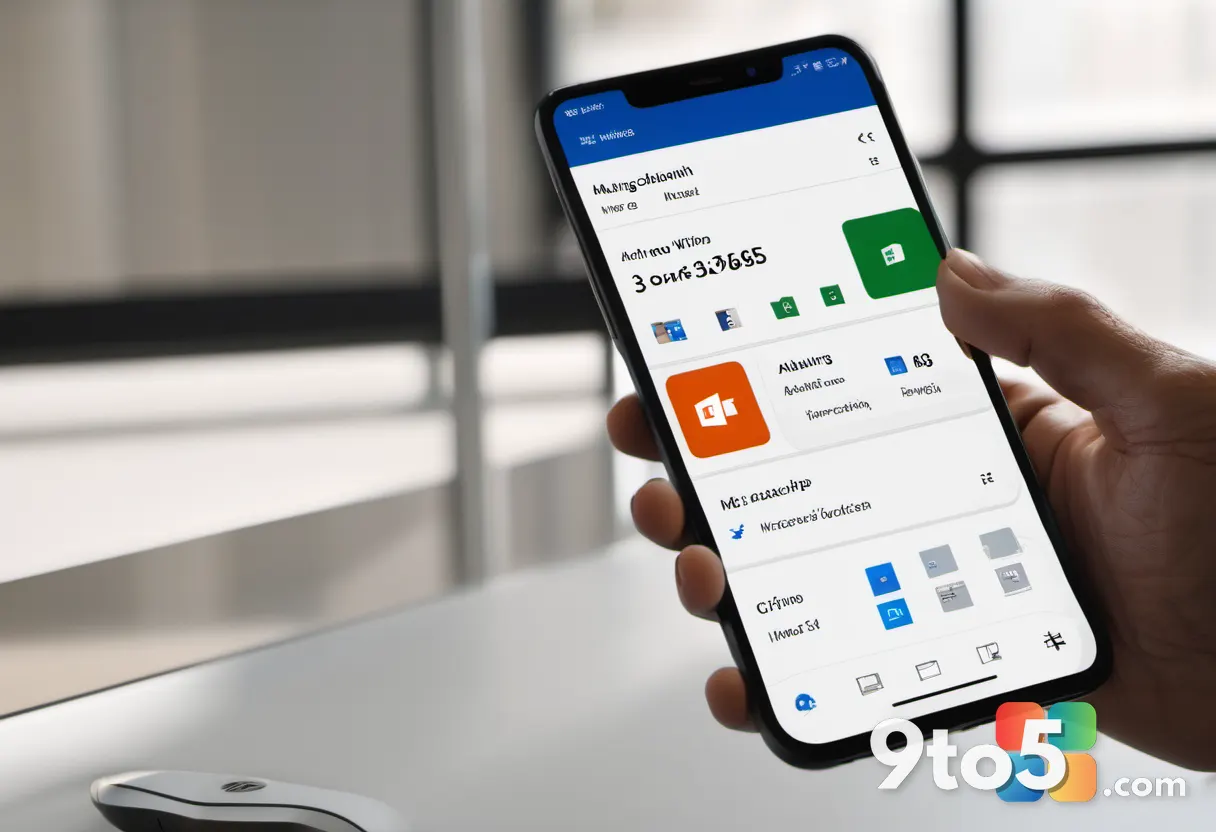
The Admin app (sometimes referred to as the Microsoft 365 Admin app) is a lightweight companion tool that Microsoft placed inside Teams, Outlook, and on Microsoft365.com. Its purpose was to give admins and IT professionals a fast way to handle routine tenant tasks without loading the full Microsoft 365 admin center in a browser.
Rather than a full-featured admin portal, the app focused on quick actions — things like managing users, checking service health, and handling common support tasks from a more compact interface. It was designed to sit alongside your other apps so you could triage issues without context-switching to a separate web tab.
This fits into Microsoft’s broader push to embed productivity and management tools directly into the collaboration platforms people already use all day. By putting admin shortcuts inside Teams and Outlook, Microsoft aimed to reduce the friction of switching between a dedicated admin portal and your daily work tools.
What’s changing and when?
According to Neowin’s reporting on the announcement, Microsoft is taking a two-step approach to the retirement.
- This month: The app stops being pre-installed. New users and tenants will no longer see it waiting for them out of the box.
- By October: Microsoft will remove the app completely from Teams, Outlook, and Microsoft365.com. After that, it can no longer be launched from any of those surfaces.
The two-phase rollout gives admins a window to adjust before the app disappears entirely, rather than cutting it off in a single update.
Where will you manage admin tasks now?
The full Microsoft 365 admin center at admin.microsoft.com remains the primary place to manage your tenant. It offers the complete set of admin tools, from user and license management to security, billing, and service health.
For Teams users specifically, many admin functions are also available directly within Teams — through the admin center tab and settings — so you don’t need a separate app to handle day-to-day tasks there.
The removal of the lightweight app doesn’t reduce what you can do; it just means those quick shortcuts will be gone in favor of the full web-based admin center and the built-in Teams admin experience.
What this means for you
If you relied on the Admin app as your go-to for quick tenant checks, you’ll need to adjust. The good news is that everything the app did is still available — you’ll just reach it through a different entry point.
In practice, this means a slightly slower path to common tasks. Instead of tapping an app icon that was already open in your collaboration suite, you’ll open a browser tab or navigate to the admin center. For one-off checks that’s fine; for admins who juggle many tenants a day, the extra clicks add up over time.
Plan to bookmark admin.microsoft.com or get comfortable with the admin features built into Teams so you don’t lose that quick access. Give yourself a buffer before October to rebuild any habits or shortcuts tied to the old app.
What to do about it
There’s no action required to “upgrade” — the change is on Microsoft’s side. But if you want to keep moving fast, take a few minutes now to confirm your preferred admin entry point works.
Bookmark the admin center, check that the Teams admin tab gives you what you need, and let your team know the lightweight app is going away so nobody is caught searching for it in October.
Source: Neowin
Over to you: Are you going to lean on the admin.microsoft.com web portal, or have you found the built-in Teams admin tab enough to replace the old Admin app?