Microsoft Planner, the team-oriented task management tool built into Microsoft 365, is about to gain a long-anticipated feature that would make it a far more compelling alternative to Microsoft Project. According to reporting from Neowin, the update is part of a broader push to give Planner more of the planning power that has traditionally lived only inside the heavier Project suite.
The timing is notable. Microsoft is retiring Project Online in the coming years, which means teams that once relied on the enterprise tool will need somewhere to send their work. Planner is looking increasingly like the natural destination.
What’s coming to Microsoft Planner
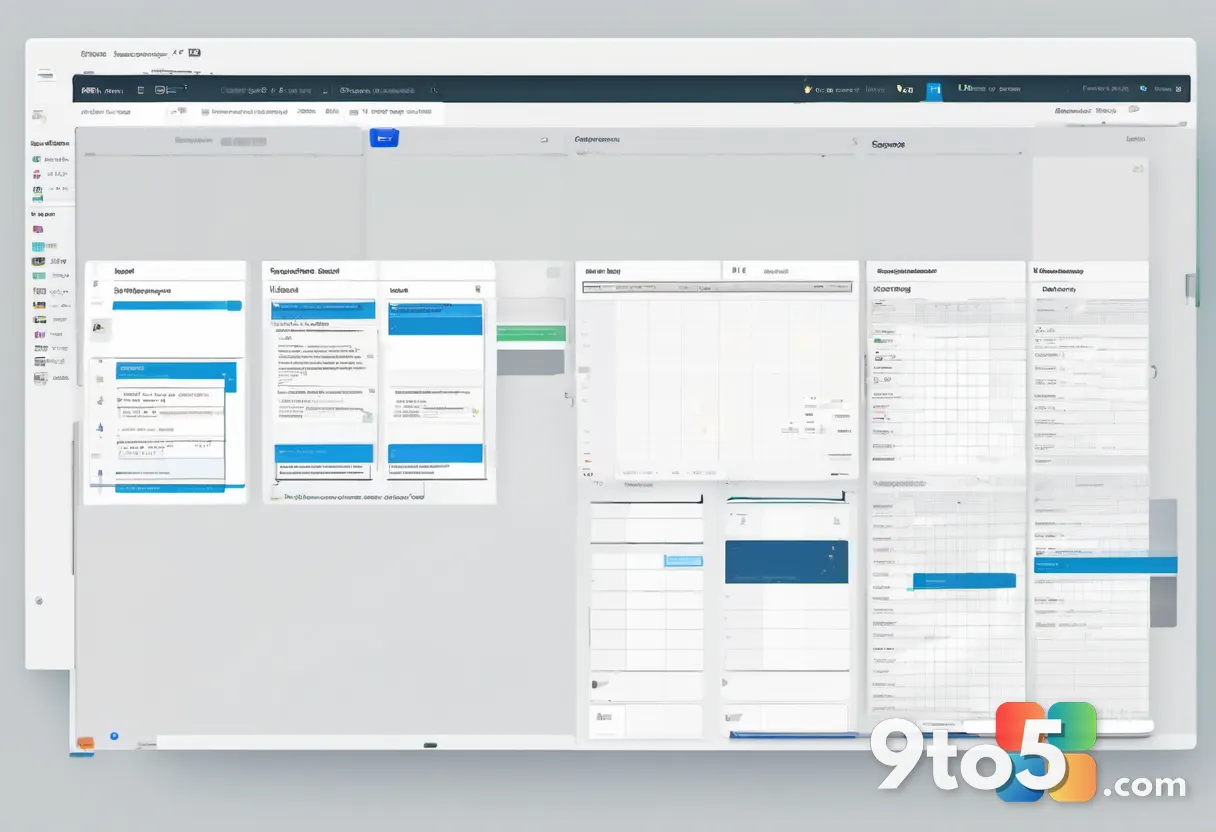
The details Microsoft has shared so far point to a feature set designed to close the gap between lightweight task tracking and full-blown project planning. Rather than reinventing Planner from scratch, the update leans into making the tool handle more of the scheduling and dependency work that Project users have grown used to.
For everyday users, this means the version of Planner that most Microsoft 365 tenants already have access to could start covering work that previously required a separate, paid license. That is a meaningful shift for small and mid-size teams that have historically been priced out of Project.
It is worth noting that Microsoft has not released exhaustive specifics on the feature yet, so treat the finer details as emerging rather than finalized. What is clear from the reporting is the direction: Planner is being pushed toward the kind of planning depth that Project has owned for years.
Planner vs. Project: understanding the difference
To see why this update matters, it helps to understand what each tool was originally built for.
Microsoft Planner launched in 2016 as a collaborative, board-style task manager. It uses the familiar To-Do list, chart, and timeline views that make it easy for teams to assign work, set due dates, and track progress without any formal project-management training. It has since been woven directly into Microsoft Teams, which is how most people actually reach it today.
Microsoft Project, by contrast, is the heavyweight. It is built for complex schedules, critical-path analysis, resource leveling, budgeting, and portfolio management. It is the tool program managers and PMOs reach for when a project involves dozens of interdependent tasks and tight deadlines.
Historically, the two never overlapped much. Planner handled simple team tasks; Project handled real project management. This update is the latest in a series of moves that have steadily blurred that line.
The Project Online retirement context
Microsoft has announced that Project Online is being retired. For teams currently running on it, that creates a real deadline: at some point they will need to migrate their work to another platform.
The natural candidates are Project for the web, Project Online Desktop Edition, or—now with enhanced capabilities—Planner. Microsoft’s direction has been clear for a while: push people toward lighter, cloud-based planning tools and away from the older server-based model.
This is where the Planner update fits into the bigger picture. By giving Planner more Project-like power, Microsoft is effectively building a safety net for the teams that will be displaced by the Project Online retirement. It is a strategic move that keeps those customers inside the Microsoft 365 ecosystem rather than pushing them toward a competitor.
What This Means for You
If you are a team that currently uses Planner for basic task tracking, the update could quietly expand what you can do without leaving the tool. Smaller teams that have put off adopting real project management because of Project’s cost and complexity may now find a middle ground that fits their needs and budget.
If you are on Project Online now, keep a close watch on Microsoft’s official retirement timeline. You will want to plan your migration before the tool is pulled, and the strengthened Planner may well be part of your options—though complex schedules may still call for Project for the web or the desktop edition.
How to Get It
Planner updates typically roll out to existing Microsoft 365 tenants automatically as part of the service, with no separate install or license change required for most users. Keep Planner current through your normal M365 update channel, and watch the Microsoft 365 admin center and the Microsoft 365 Roadmap for feature announcements.
For the latest on the Project Online retirement and your migration options, check Microsoft’s official support documentation and the Microsoft 365 Roadmap before committing to a plan.
Source: Neowin
Over to you: Is the strengthened Planner enough to make you walk away from Project, or do you still need the full suite for complex schedules?