Slack is turning AI-assisted coding from a solo developer ritual into a shared, team activity.
With the launch of Slack Code channels, the Salesforce-owned messaging platform now lets developers and non-technical staff collaborate with coding agents in the same project-based spaces — all inside the Slack workspace you already use.
Slack has long integrated with several coding agents, but until now those tools operated in isolation: a developer tagged an agent, got a response, and worked through it on their own. Slack Code changes that by making agents available to multiple coworkers in shared channels, according to the company’s announcement.
#1 Slack Code channels
The centerpiece of the launch is the code channel — a dedicated, project-based space where a coding agent and a group of people work together on a one-off task.
Slack describes these as the right home for discrete jobs: building a new application feature, updating a web page, or fixing a bug. When you tag a coding agent in a regular Slack channel or direct message with a request, it automatically creates a new code channel, attaches links to the documents it needs, and invites the relevant participants.
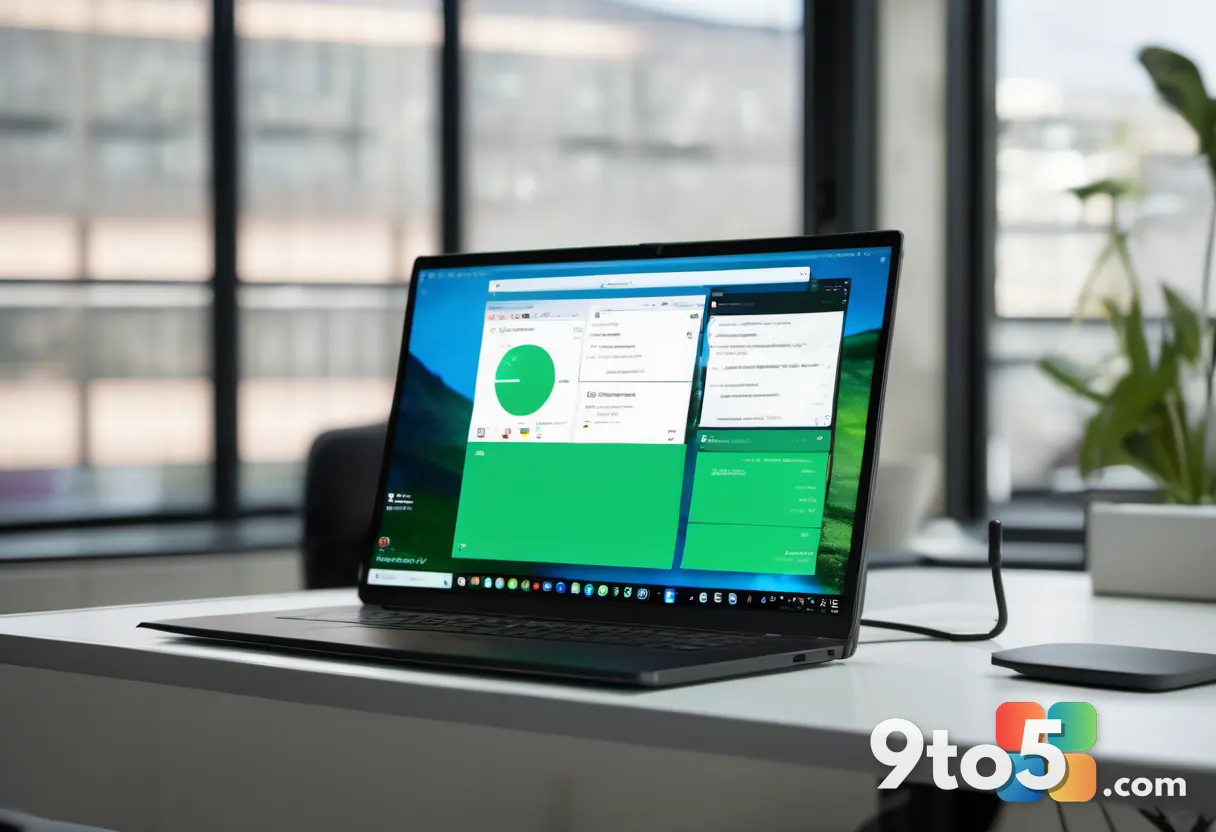
Once inside, the code channel behaves like any other Slack channel. People send messages and upload files as usual, while also interacting with the agent and tracking its output through what Slack calls “session artifacts.”
Those artifacts include code diffs that highlight the changes the agent made, Slack canvas documents, and live HTML that renders prototypes and previews the agent built. Everyone can use natural language to direct the agent, drop in suggestions, and sign off on outputs, with updates surfaced back in the original channel.
When the task wraps up, the code channel is archived automatically. And because these sessions can involve people outside engineering, Slack admins can set guardrails — for example, blocking non-technical staff from shipping code without an engineering review.
The company says code channels follow Slack’s existing security and permissions model, with agents able to see conversations and data only within the controls set for a given workspace.
#2 Agent DMs
Alongside the team-focused code channels, Slack also introduced agent DMs, which restore the ability to have one-on-one conversations with an agent.
This is the quieter counterpart to the multiplayer channels: if you’d rather work through a problem privately before bringing the team in, you can do that without leaving Slack.
#3 Agents tab
To keep those conversations findable, Slack added a new agents tab where users can view their existing agent conversations in one place.
As people start using both agent DMs and code channels, having a single hub to jump back into past sessions is meant to cut down on the hunt for where a given thread landed.
#4 A “multiplayer AI” vision
Slack Code isn’t a standalone feature so much as a piece of a broader strategy. According to Sateja Parulekar, vice president of product marketing at Slack, the launch feeds into a wider “multi-player experience” for both human workers and AI agents.
That strategy includes the recent announcement of Claude Tag, which makes Anthropic’s agent available to teams rather than just individuals. IDC research vice president Wayne Kurtzman says the move “closes the gap between where work gets done and where code gets written,” furthering Salesforce’s goal of making work more seamless within Slack.
“Whether it’s the user experience that we’re evolving — like the agent tab, or coding channels where you can plan, code, test, and ship inside of Slack — it’s all part of that bigger vision of making Slack a great home for agents and furthering that vision of multiplayer AI,” Parulekar said.
Slack also sees the collaborative model extending beyond code. Parulekar pointed to use cases like reviewing marketing campaigns or legal documents, where the work involves detailed review, tracking changes, and previewing what will go out to a customer — without necessarily writing any code.
What this means for you
For teams already living in Slack, the appeal is staying put: planning, coding, testing, and shipping can all happen in the same place instead of bouncing between a chat app and a separate coding tool.
The bigger shift is who gets involved. Because code channels are designed to be safe and governed, marketers, designers, and product managers can now interact with coding agents directly — not just engineers and product managers.
But the rollout comes with real considerations. Forrester analyst Will McKeon-White notes that permissions are “a persistent challenge for anything multiplayer,” with different approaches — inheriting user permissions per task, persistent permissions with separate invoking permissions, or inheriting the permissions of the room — each carrying their own flaws.
Longer still on the horizon is multi-agent collaboration, which McKeon-White says “today in successful environments isn’t very dynamic,” though he points to emerging Anthropic research on the topic as a sign of what could come.
How to get it
At launch, four agents integrate with Slack Code: Claude Code, Devin, GitHub Copilot, and Vercel. Slack says it intends to expand that list over time.
The feature is available at no extra cost on all Slack subscriptions, so if your workspace admin enables it, you should be able to start tagging agents and opening code channels right away.
Source: Computerworld
Over to you: Would you trust a code channel to let non-engineers ship changes, or keep all code writing behind engineering review?