Any monitor can technically be used for PC gaming, but a display engineered for office productivity will likely leave competitive players underwhelmed. Limited contrast ratios, blurry motion handling, and sluggish refresh rates continue to hold back standard productivity panels when pushed into fast-paced titles. Fortunately, the market for dedicated gaming displays has matured significantly, offering excellent options across a wide range of price points. The best of these displays now embrace cutting-edge panel technologies that remain unavailable in standard PC monitors.
Below, we break down the best gaming monitors of 2026 based on extensive testing and real-world performance benchmarks. Each selection addresses a specific gaming need, from ultra-budget entry points to enthusiast-grade high-refresh OLED panels.
#1 MSI MPG 272URX QD-OLED
The MSI MPG 272URX QD-OLED stands as our top overall choice for gamers seeking a balanced blend of resolution, refresh rate, and panel technology. This 26.5-inch display delivers a sharp 4K resolution paired with an ultra-smooth 240Hz refresh rate, housed within a quantum dot OLED panel. The combination makes it an excellent choice for players who demand both visual clarity and fluid motion in a single package.
The QD-OLED panel architecture provides exceptional contrast and color accuracy, which benefits not only gaming but also creative workflows and HDR media consumption. The monitor supports Adaptive Sync for consistent frame pacing, eliminating screen tearing across both AMD and Nvidia graphics cards. Connectivity is robust, featuring HDMI 2.1, DisplayPort 2.1a, and USB-C inputs, alongside 98 watts of USB Power Delivery for charging laptops or tablets directly through the display.
While the design leans toward a minimalist aesthetic that some may find plain, the included stand is sturdy and fully adjustable. At $1,099.99, it carries a premium over 1440p OLED alternatives, but the 4K clarity and 240Hz refresh rate justify the investment for those prioritizing sharpness and responsiveness.
What This Means for You: If you run a high-end GPU and want a single display that handles both 4K gaming and productivity tasks without compromise, this panel delivers the necessary pixel density and refresh speed. The USB-C connectivity simplifies desk setups by reducing cable clutter.
#2 Pixio PX248 Wave
The Pixio PX248 Wave distinguishes itself in the budget segment by offering more than just a no-frills display. Priced at $159.99, it provides a 24-inch Fast IPS panel with a 200Hz refresh rate, delivering fluid motion that outperforms many standard 60Hz or 144Hz entry-level monitors. The monitor stands out with a colorful, stylish design available in black, white, blue, and pink colorways, along with an optional color-coordinated monitor arm.
Image quality is reasonable for the price point, with respectable color accuracy and gamut coverage suitable for both gaming and casual content creation. Built-in speakers are surprisingly decent, reducing the need for external audio in casual setups. The 200Hz refresh rate ensures smooth gameplay in fast-paced titles without requiring a top-tier graphics card.
Connectivity sticks to the basics with HDMI 2.0 and DisplayPort 1.4, and the included stand only adjusts for tilt. The on-screen menu controls require some getting used to, but the overall package delivers solid performance at a highly accessible price.
What This Means for You: This monitor is ideal for gamers on a tight budget who still want smooth motion and a visually appealing desk setup. It removes the need for external speakers and fits comfortably on smaller desks.
#3 LG Ultragear 45GX950A-B
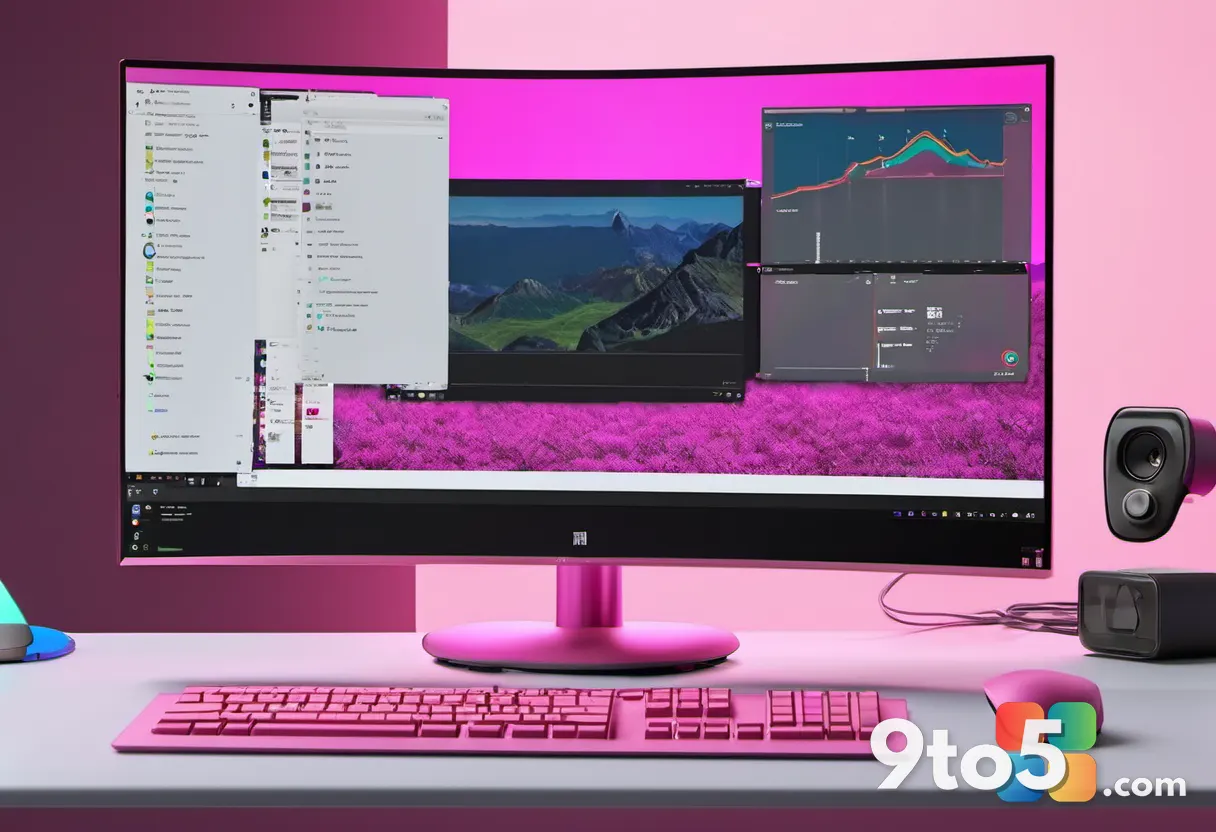
The LG Ultragear 45GX950A-B targets enthusiasts seeking a premium immersive experience through a massive curved display. It features a class-leading 45-inch 5K2K (5120×2160) OLED panel, providing a resolution previously unseen in this size class. The higher resolution pairs effectively with OLED’s excellent contrast and color performance, while HDR brightness matches other leading OLED monitors.
Motion clarity is strong, supported by dual-mode capabilities. The monitor can achieve 5120×2160 at up to 165Hz, or drop to 2560×1080 for up to 330Hz, catering to different performance needs. It supports both AMD FreeSync Premium Pro and Nvidia G-Sync for tear-free gameplay. The 800R curve enhances immersion, though it may feel aggressive for productivity tasks.
The design is functional but not particularly distinctive for the price point. USB-C input is supported, but downstream USB-A connectivity is limited. Despite these minor drawbacks, the combination of size, resolution, and OLED performance makes it a standout for immersive gaming.
What This Means for You: If you prioritize screen real estate and immersion above all else, this monitor delivers unparalleled sharpness and contrast. The dual-mode feature allows you to switch between high-resolution productivity and high-refresh gaming as needed.
#4 Asus ROG Strix XG27AQDMG
The Asus ROG Strix XG27AQDMG is our top pick for HDR gaming, featuring a third-generation LG WOLED panel that delivers exceptional brightness without the premium cost of QD-OLED alternatives. It achieves a maximum sustained brightness of 724 nits in a 10 percent window, providing punchy HDR highlights and detailed luminant areas in games and movies. The panel covers 96 percent of the DCI-P3 color gamut, ensuring rich and accurate colors.
Gamers will appreciate the 240Hz refresh rate, supported by AMD FreeSync Premium Pro and Nvidia G-Sync for fluid, tear-free performance. While the refresh rate is lower than some QD-OLED competitors reaching 360Hz, the XG27AQDMG offers superior motion clarity compared to Mini-LED gaming monitors. The compact ergonomic stand adds to its desk-friendly design.
Priced at an MSRP of $749.99, with immediate availability at $699.99, it undercuts the competition significantly. Gamers who primarily use SDR content might prefer QD-OLED alternatives, but those focused on HDR performance will find this monitor delivers outstanding value.
What This Means for You: If HDR brightness and contrast are your primary concerns, this WOLED panel outperforms many competitors at a lower price point. It is an excellent choice for players who want cinematic HDR without paying top dollar.
#5 Asus ROG Swift OLED PG27AQWP-W
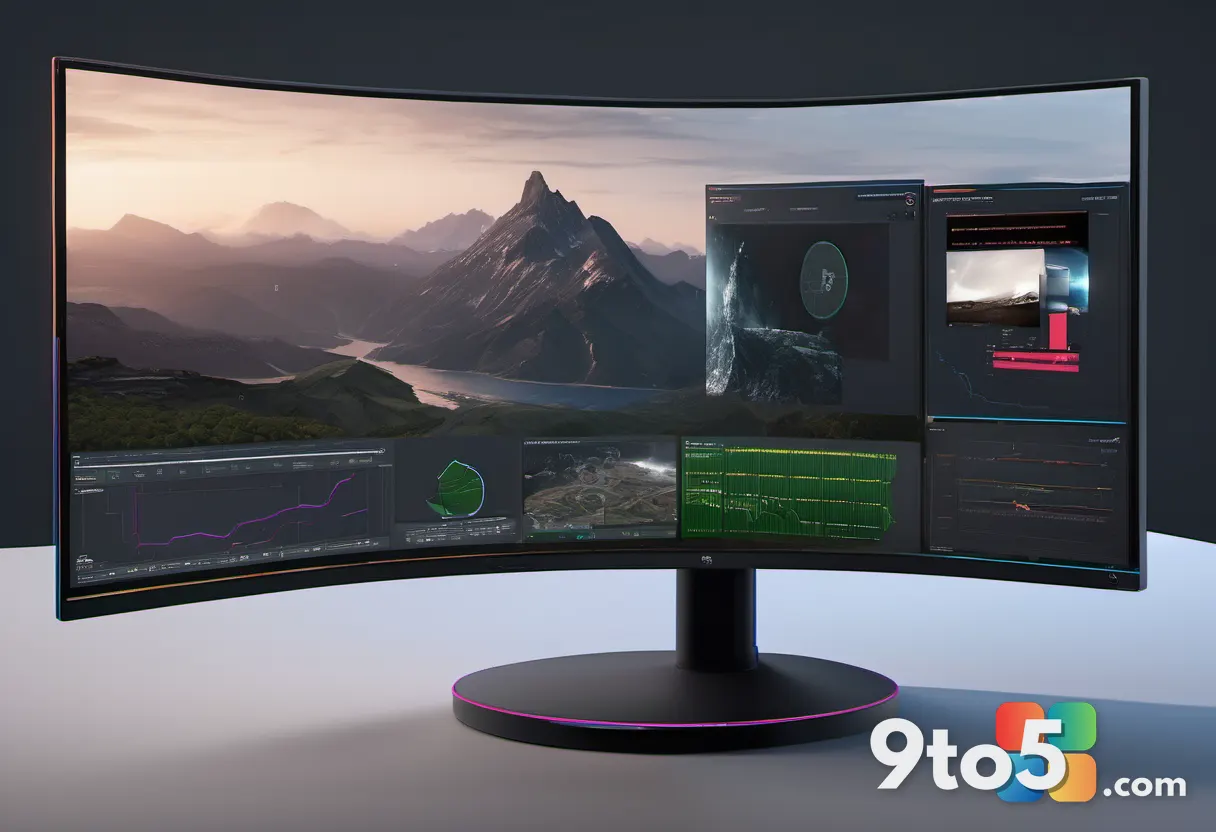
The Asus ROG Swift OLED PG27AQWP-W is engineered for competitive gamers who prioritize motion clarity above all else. It achieves refresh rates of up to 540Hz at 1440p and 720Hz at 720p, delivering the highest motion performance available from any display to date. The Extreme Low Motion Blur feature provides exceptional clarity even at lower refresh rates, benefiting games that cannot consistently hit extreme frame counts.
The tandem OLED panel offers strong SDR and HDR brightness, stellar contrast, and a wide color gamut covering 99 percent of DCI-P3. The ultra-glossy TrueBlack finish maximizes perceived contrast in darker viewing environments. Features like Aura Sync RGB lighting and extensive menu customization enhance the premium experience.
The monitor lacks USB-C connectivity and built-in speakers, and the ultra-glossy finish can be problematic in brightly lit rooms. The large tripod-style stand occupies considerable desk space. While 540Hz at 1440p is incredibly crisp, gamers seeking better value might consider 4K OLED monitors running at 240Hz, especially if they also use the display for work.
What This Means for You: This display is built for esports and competitive titles where every millisecond counts. If you run a high-end GPU and demand the absolute lowest input lag, this monitor delivers unmatched performance.
#6 Asus ROG Strix 5K XG27JCG
The Asus ROG Strix 5K XG27JCG offers a unique combination of 5K resolution and high refresh rates on a 27-inch Fast IPS panel. It delivers 5K resolution at up to 180Hz, providing extreme pixel density at 218 pixels per inch. Text and fine detail are rendered with crispness that 4K monitors cannot match, making it ideal for gamers who want high resolution without sacrificing motion clarity.
Asus’ ELMB2 backlight strobing technology enhances motion performance with a CRT-like scanning technique that reduces blur dramatically. The monitor can also drop to 1440p at up to 330Hz if your GPU requires a performance boost. Four video inputs, including two HDMI 2.1, DisplayPort 1.4, and USB-C, provide excellent connection flexibility.
The monitor tops out around a 1,230:1 contrast ratio, so dark scenes appear washed out compared to OLED alternatives. The USB-C port delivers only 15 watts of power delivery, sufficient for phones but not laptops. At $849.99, it is slightly less expensive than typical 4K OLED monitors, offering a compelling alternative for those prioritizing resolution and motion clarity.
What This Means for You: If you want exceptional sharpness for both gaming and productivity, this 5K panel delivers unmatched detail. The ELMB2 technology ensures smooth motion, making it a versatile choice for mixed-use setups.
What This Means for You
The gaming monitor landscape in 2026 has shifted dramatically toward OLED and high-refresh technologies. Consumers no longer need to choose between resolution, refresh rate, and contrast; modern panels deliver all three simultaneously. When selecting a monitor, consider your GPU capabilities, primary use cases, and viewing environment. OLED panels offer superior contrast and response times but may require careful placement to avoid glare. High-refresh displays benefit competitive gamers but demand powerful hardware to utilize fully. Budget options continue to improve, with 200Hz panels now available at entry-level prices.
For most users, balancing resolution and refresh rate provides the best long-term value. 4K at 144Hz or 165Hz remains a sweet spot for modern gaming, while 1440p at 240Hz or higher caters to competitive players. OLED technology continues to mature, with brightness and longevity improving significantly. Buyers should also evaluate connectivity options, ensuring HDMI 2.1 or DisplayPort 2.1 support for future-proofing.
How to Get It
All monitors featured in this roundup are available through major retailers and manufacturer websites. Prices may fluctuate based on promotions and stock availability. We recommend comparing prices across multiple retailers to secure the best deal. For the MSI MPG 272URX, Pixio PX248 Wave, LG Ultragear 45GX950A-B, Asus ROG Strix XG27AQDMG, Asus ROG Swift OLED PG27AQWP-W, and Asus ROG Strix 5K XG27JCG, check authorized dealers for warranty coverage and return policies. Consider checking manufacturer websites for bundle deals or extended warranty options.
When purchasing, verify compatibility with your existing hardware, particularly graphics cards and console generations. Ensure your desk or mount can support the monitor’s size and weight, especially for larger curved displays. For optimal performance, calibrate your monitor upon setup and enable appropriate refresh rates and adaptive sync features in your operating system and GPU drivers.
How We Test Gaming Monitors
All monitors are evaluated using a Datacolor Spyder X2 Ultra calibration tool, which reports objective measurements for brightness, contrast, color gamut, color accuracy, color temperature, gamma, and other metrics. Results are recorded and compared against historical data from hundreds of previously tested monitors. While subjective impressions guide initial evaluations, objective measurements ensure consistent and reliable comparisons.
Motion clarity is assessed by moving the camera across maps in Civilization VI, playing rounds of Rocket League, and panning across landscapes in Final Fantasy XIV, among other titles. The UFO Test provides standardized motion clarity comparisons between displays. Additional factors include on-screen menu usability, ergonomic stand functionality, and overall build quality, all critical regardless of use case.
Who Curated This Article
This roundup is curated by Matthew S. Smith, a freelance technology journalist with 15 years of experience reviewing consumer electronics, including computer monitors. His work appears on PCWorld, Wired, Digital Trends, Reviewed, Lifewire, and other technology publications. All recommendations are based on hands-on testing and rigorous evaluation standards.
Other Notable Gaming Monitors
Several other monitors deserve mention for specific use cases. The KTC 27M1 offers a versatile budget option suitable for both gaming and productivity. The Acer Predator X34 X0 provides a Mini-LED ultrawide experience for under $500. The Alienware AW2725Q delivers excellent 27-inch 4K 240Hz QD-OLED performance at a competitive price. The BenQ PD3226G caters to creative professionals while maintaining solid gaming capabilities. The Asus ROG Swift OLED PG27UCDM offers a 27-inch 4K QD-OLED experience with extensive features. The MSI MPG 321URXW QD-OLED provides a 32-inch 4K option with added USB connectivity. The HP Omen Transcend 32 features top-tier SDR image quality and USB-C connectivity. The Lenovo Legion R27fc-30 focuses on motion clarity at an affordable price. The Acer Predator X32 X3 separates itself with connectivity and pricing. The Asus ProArt Display 5K delivers a gorgeous 5K image with a comprehensive feature set. The Gigabyte G34WQCP offers a $350 ultrawide with strong SDR performance.
Frequently Asked Questions
What is the best gaming monitor? The MSI MPG 341CQPX stands out as a top choice, featuring a 34-inch QD-OLED ultrawide panel with excellent HDR, a 240Hz refresh rate, and a USB-C port with 98 watts of Power Delivery.
What is the best cheap gaming monitor? The Pixio PX248 Wave offers incredible value at under $200, providing good image quality, strong motion clarity, and Adaptive Sync support.
What resolution is best for a gaming monitor? 1080p suits competitive gamers and budget setups, 1440p offers a balanced mid-range option, and 4K delivers maximum sharpness for high-end systems. Ultrawide monitors vary in resolution, with most offering 3440×1440.
Should I use AMD FreeSync or Nvidia G-Sync? Both technologies synchronize monitor refresh rates with GPU output to eliminate screen tearing. Most modern monitors support both via the VESA Adaptive Sync standard, with minimal performance differences.
Should I buy an ultrawide gaming monitor? Ultrawide monitors enhance immersion in racing, simulation, and RPG titles. However, not all games support ultrawide aspect ratios, and consoles rarely do. Check game compatibility before purchasing.
Source: PCWorld
Over to you: Which gaming monitor feature matters most to you: OLED contrast, high refresh rates, or 4K resolution?