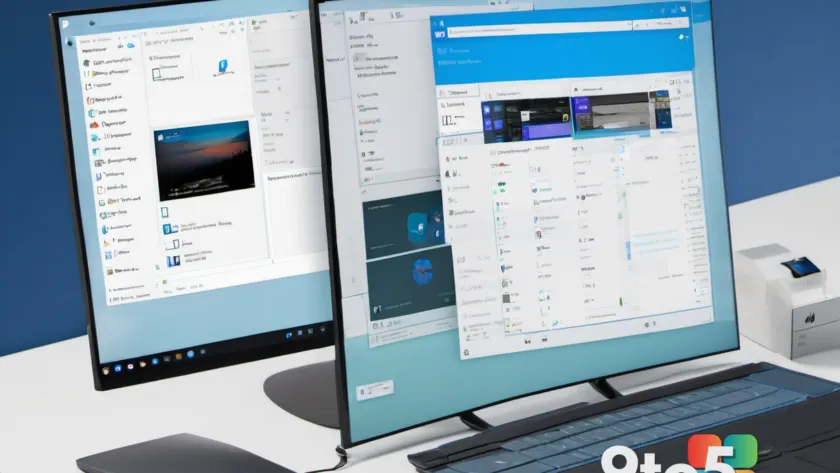
Microsoft continues to refine the upcoming Windows 11 26H1 release with the latest update for the Release Preview channel. The new build, designated as 28000.2796 and distributed via update package KB5120996, brings a focused set of improvements aimed at enhancing the user experience in File Explorer.
According to the changelog details released alongside the update, the primary highlight is the introduction of appropriate file size units throughout the interface. This change addresses how storage information is presented to users when browsing directories, ensuring that file sizes are displayed in the most logical and readable format for the specific data being viewed.
What’s New in Build 28000.2796
The Windows 11 26H1 Release Preview build 28000.2796 focuses on quality-of-life adjustments within the file management system. The most notable addition is the implementation of appropriate file size units in File Explorer. In previous iterations, users may have encountered inconsistencies where large files were displayed in bytes or small files were rounded to kilobytes, making it difficult to gauge storage usage at a glance.
This update ensures that the system now selects the most appropriate unit of measurement based on the file’s actual size. For instance, a file that is 1,500 bytes will now display as “1.5 KB” rather than showing the raw byte count, while a 2.5 GB video file will be presented in gigabytes. This standardization aligns with user expectations and reduces cognitive load when managing large libraries of documents and media.
Beyond the file size adjustments, Microsoft has included general stability improvements in this build. These updates are typical for the Release Preview channel, which serves as the final testing ground before a feature update reaches the stable release branch. The focus here is on smoothing out edge cases and ensuring that core components like File Explorer function reliably for the broadest range of hardware configurations.
Why File Explorer Display Matters
File Explorer remains one of the most frequently used tools in Windows, serving as the primary interface for users to navigate their storage, manage files, and access system settings. Even minor changes to how information is displayed can have a significant impact on daily productivity.
When file size units are inconsistent or difficult to read, it can lead to confusion, especially for users who need to monitor disk space closely. By implementing appropriate file size units, Microsoft is addressing a common pain point that affects everyone from casual users organizing photos to professionals managing large datasets. This attention to detail reflects a broader trend in Windows 11 development, where the focus is shifting from adding new features to polishing existing ones for a more cohesive experience.
How to Get the Update
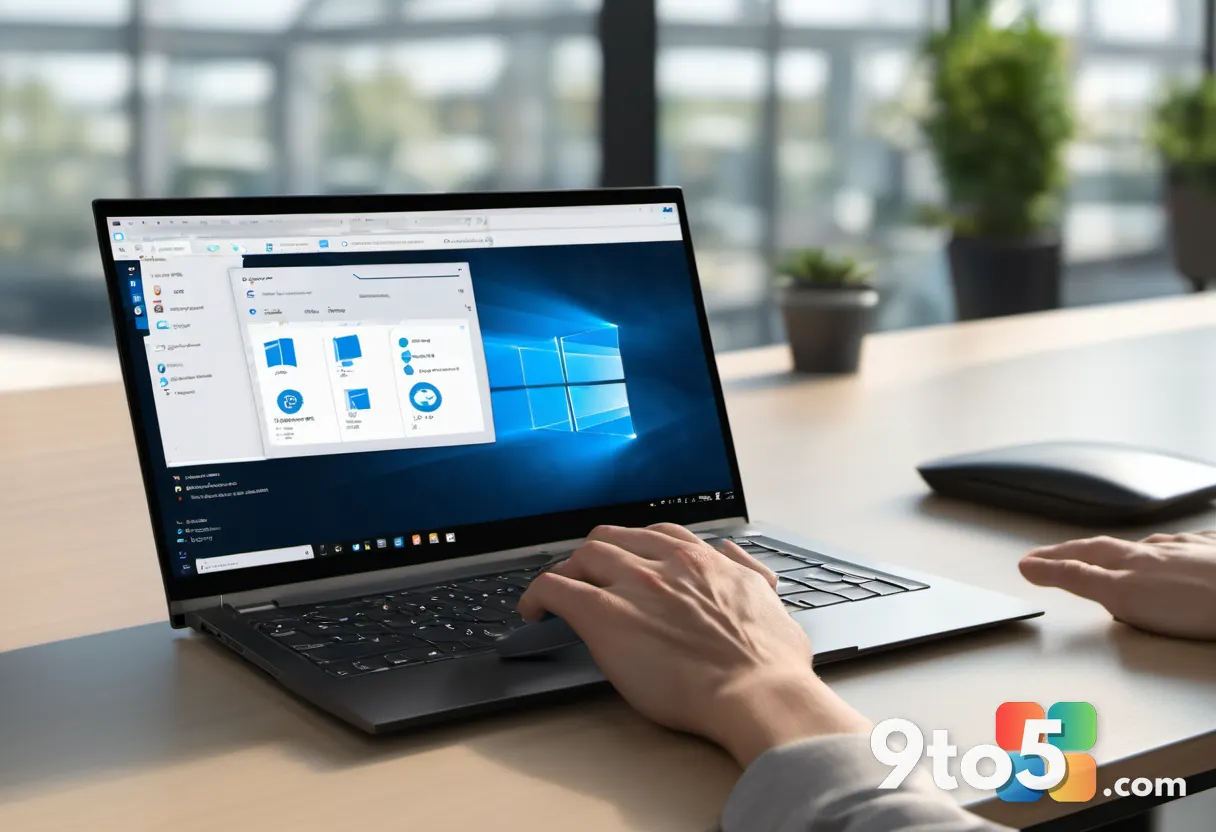
To receive the Windows 11 26H1 Release Preview build 28000.2796, users must be enrolled in the Release Preview channel. This channel is designed for users who want to test the next major update before it becomes generally available, offering a balance between early access and stability.
To check for the update, open Settings and navigate to Windows Update. From there, select Release Preview Channel and click Check for updates. If your system is already enrolled in the channel, the update should appear in the list of available updates. If you are not currently enrolled, you can switch channels directly from this menu, though it is important to note that switching channels may require a clean installation of Windows in some cases.
For IT administrators managing enterprise environments, this build can be distributed via Windows Update for Business or Microsoft Intune. The update package KB5120996 is available through the standard update distribution channels, allowing for controlled deployment across organizational fleets.
What This Means for You
For everyday users, the introduction of appropriate file size units in the Windows 11 26H1 Release Preview build means a cleaner and more intuitive file management experience. You will no longer need to mentally convert byte counts into gigabytes or kilobytes when checking the size of a file, saving time and reducing clutter in your file lists.
If you are currently using the stable release of Windows 11, this update is not yet available to you. However, it serves as a positive indicator of the improvements coming in the next major feature update. Users who are interested in testing these changes early can opt into the Release Preview channel to get ahead of the curve.
As Microsoft moves closer to the official launch of Windows 11 26H1, expect to see more refinements like this in upcoming builds. The focus on usability and display clarity suggests that the final release will prioritize a polished experience over a flood of new features, which is welcome news for users who value stability and consistency in their daily workflow.
Source: Neowin
Over to you: Are you currently testing the Windows 11 26H1 Release Preview channel, or are you sticking with the stable release for now?