Microsoft is rolling out a pair of notable updates to the Xbox Insider program, and the headline change is a long-requested quality-of-life improvement for multiplayer gamers and content creators. According to the Xbox Wire blog, Xbox Insiders can now enable voice chat recording directly within their game captures. The update also introduces fresh sorting options for the Achievements history page, giving you more control over how your gaming data is organized.
#1 Record Voice Chat in Game Captures
For years, the Xbox Game Bar and console capture menu have allowed you to save video clips of your gameplay, but audio from party chats or in-game voice comms has historically been excluded by default. That restriction is now optional. When you trigger a capture, you will see a new toggle labeled “Record voice chat” in the audio settings overlay. Enabling it mutes the boundary between your gameplay footage and your social interactions, letting you save both in a single file.
This change targets a specific workflow that has frustrated players since the Xbox One era. Whether you are documenting a funny moment with friends in a lobby, saving a clutch callout from a ranked match, or creating content for a streaming highlight reel, having the audio baked into the video clip removes the need to sync separate audio recordings later. It also simplifies the sharing process, as the clip contains everything a viewer needs to understand the context of the moment.
From a technical standpoint, the toggle sits alongside other capture preferences like resolution and frame rate. You can set it to remember your last choice or prompt you each time, depending on your privacy comfort level. Microsoft has also maintained the existing privacy safeguards: if you are recording a clip while in a party chat, the system will still respect the mute settings you have applied to other players. If someone in your chat has disabled voice chat recording, their audio will not be captured in your clip.

#2 New Sorting Options for Achievements
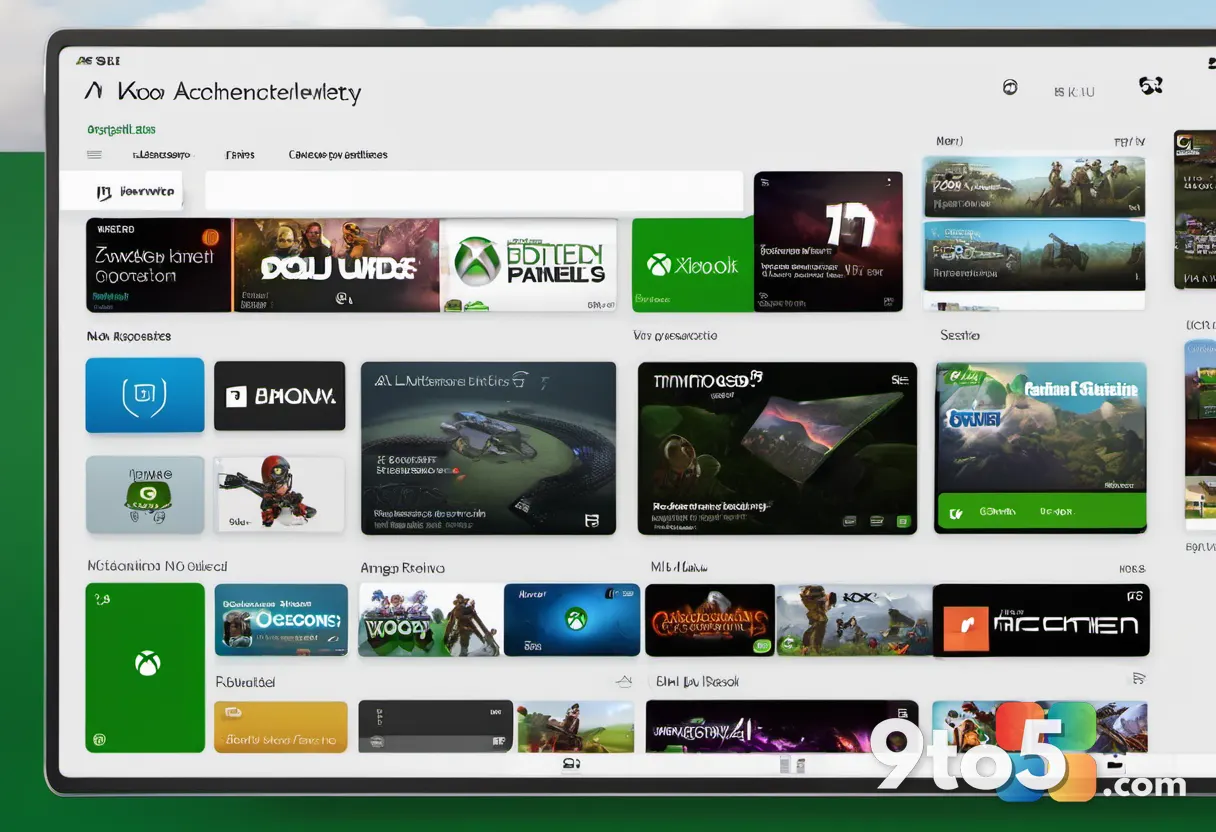
The second major update lands on the Achievements history page, which has seen some interface tweaks over the past few years but lacked robust filtering tools. The new update adds sorting capabilities that let you reorder your earned achievements by criteria such as “Most Recent,” “Most Valuable,” or “By Game.” This is particularly useful for users who have been playing for a decade or more and have accumulated thousands of entries that previously scrolled into an unmanageable feed.
The ability to sort by value is a direct nod to the Gamerscore system, which assigns point values to achievements based on their difficulty and rarity. By prioritizing high-value unlocks, you can quickly review your most challenging accomplishments without digging through casual, low-point titles. The “By Game” filter also groups achievements by title, making it easier to track progress across a specific franchise or verify that you have fully completed a collection.
This update aligns with Microsoft’s broader push to modernize the Xbox social and tracking ecosystem. The Achievements history page has historically been a static log, but adding sorting and filtering brings it closer to the functionality found in third-party tracking apps. It also reduces the reliance on external databases for users who simply want to see their own progress without leaving the console or the Xbox app.
What This Means for You
If you are an Xbox Insiders member, these features are available now, but they will eventually roll out to the broader Xbox ecosystem. The voice chat recording option is likely to become a standard setting in the next major dashboard update, while the achievements sorting tools may arrive first on the Xbox app for Windows and mobile before reaching the console interface.
For content creators, the voice chat recording update is a significant workflow improvement. It eliminates the friction of managing external audio interfaces or separate recording software just to capture lobby banter. However, it also places the responsibility on you to manage privacy. Always check the toggle before saving a clip, especially if you are recording in a public or mixed company setting.
Regular Xbox players will benefit from the achievements sorting tools, particularly if you are a completionist or a collector. The ability to quickly filter by game or value makes it easier to identify gaps in your progress and prioritize which titles to focus on next. It is a subtle but highly functional change that addresses a common pain point for long-time users.
How to Get It
To access these features, you must be enrolled in the Xbox Insider program. If you are not already a member, you can join through the Xbox Insider Hub app on your console or via the Xbox Insider program page on the Microsoft website. Once enrolled, you will need to opt into the “Alpha” or “Beta” ring depending on your preference for stability versus early access.
After joining, navigate to the Settings menu on your console or the Xbox app, select “Insider,” and ensure that your device is set to receive the latest preview builds. The voice chat recording option will appear in the capture menu, while the achievements sorting tools will be available in the Achievements history section. If you do not see the updates immediately, a quick restart of the dashboard or app will often trigger the sync.
Microsoft typically rolls out Insider features in waves, so availability may vary by region and device. Keep an eye on the Xbox Wire blog for official announcements regarding the general release timeline for these updates.
Source: Thurrott.com
Over to you: Are you turning on voice chat recording for your clips, or is privacy your main concern?