Windows 11 26H2 is set to arrive in October 2026, according to reports from Windows Latest. Microsoft will distribute this annual update as an enablement package, meaning it will roll out to existing PCs rather than requiring a fresh installation. Based on historical patterns, the rollout will likely begin sometime between the last week of September and the last week of October. While Windows 11 25H2 shipped in the final week of September, versions 24H2 and 23H2 both landed in October of their respective years. This timing aligns with Microsoft’s traditional cadence for annual feature updates.
Why Windows 11 26H2 Exists
The primary purpose of this release is to extend your device’s support lifecycle. Windows 11 24H2 support ends on October 13, 2026, and Windows 11 25H2 remains supported until October 12, 2027. If you are currently running 25H2, you will only have one year of servicing left. By choosing to ship 26H2, Microsoft provides another full year of support until October 2028. This decision prioritizes stability for enterprises and avoids the potential disruptions of a major platform overhaul. For IT administrators managing large fleets, this predictable servicing model simplifies deployment schedules and reduces the risk of compatibility breaks.
What’s Actually New in 26H2
If you expected a flood of new features, you might be disappointed. Windows 11 26H2 is not a major platform update; it is a minor release designed to keep your system current. Microsoft has teased performance and quality improvements throughout the year, but these are not locked to a specific Windows platform release. Instead, all quality improvements ship to everyone via monthly cumulative updates. You do not need to wait for 26H2 to receive these enhancements. This approach reflects Microsoft’s broader strategy to decouple feature development from platform releases, ensuring that users receive patches and optimizations regardless of their current build.
Two Key Behavioral Changes
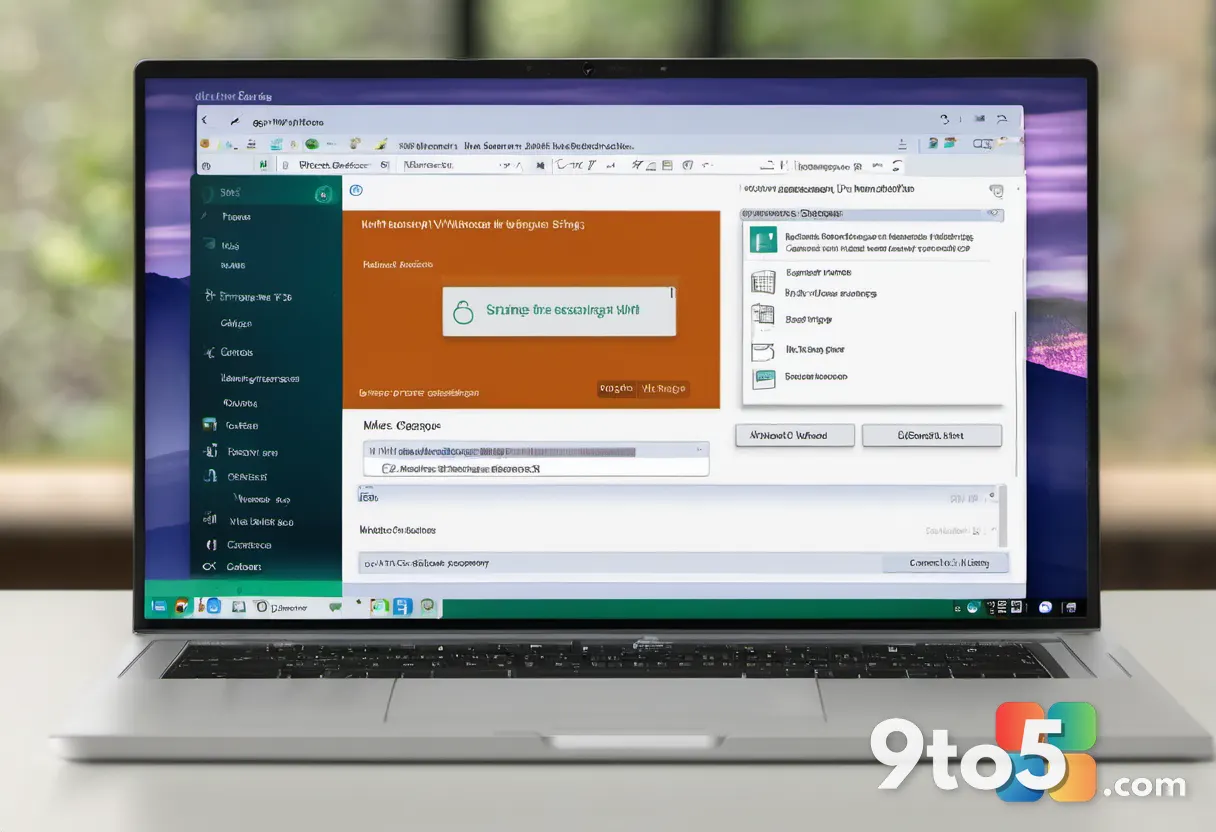
While 26H2 lacks groundbreaking features, it does introduce two notable behavioral shifts that will be enabled by default. The first involves Windows Backup, which is being rebranded to “Windows settings backup and restore.” Starting with version 26H2, this feature will automatically back up your settings and select personal files to the cloud. Microsoft confirmed in a support document that the feature will be enabled by default for eligible devices, though existing administrator-configured policies will still be honored. The sync includes Windows settings, your Microsoft Store apps list, and select personal files to help you resume work on a new device.
The second change relates to Point-in-time restore. Microsoft recently rolled out this feature to all existing PCs running Windows 11 25H2 and 24H2, but in 26H2, it will be turned on by default for everyone. This allows you to create system restore points and adjust their frequency to recover from driver or app issues. While the feature is entirely disabled on Enterprise PCs, home users will now have it active out of the box. Be aware that Point-in-time restore can use up to 50GB of storage, but you can adjust the space limit and purge old restore points as needed.
System Requirements and Arm PCs
Microsoft states that nothing changes regarding system requirements for Windows 11 26H2. If your PC meets the demands of Windows 11 24H2, it will also run 26H2 without issue. However, new Arm PCs powered by Snapdragon X2 or Nvidia RTX Spark chips will ship with Windows 11 26H1 out of the box. These devices cannot move to Windows 11 26H2 and will instead be upgraded to Windows 11 27H2 in the second half of 2027. This distinction ensures that Arm-based hardware follows a separate servicing path tailored to its specific driver and firmware ecosystem.
How to Get It and What This Means for You
Windows 11 26H2 is just 174KB in size, which is only 0.003% of the original Windows 11 24H2 release. You can upgrade directly from 24H2 or 25H2, and the process will take less than five minutes. The upgrade path is straightforward: open Settings, navigate to Windows Update, and select Check for updates. Your PC will download the enablement package and restart to apply the changes.
For everyday users, this means you can stay on your current build and rely on monthly updates for improvements, or upgrade now to secure an extra year of support. The decision ultimately depends on whether you value extended servicing or prefer to wait for the next major feature drop. If you are running an older build, upgrading now ensures your device remains within the supported window, reducing the chance of encountering unsupported software or security gaps down the line.
What This Means for You
The release of Windows 11 26H2 reinforces Microsoft’s commitment to a stable, predictable update cycle. You do not need to rush to upgrade unless you want to secure additional support years. The two default-enabled features, cloud backup and Point-in-time restore, provide a safety net for most users, but you should review the settings after upgrading to ensure they align with your preferences. Overall, this update is a low-risk, high-reward move for anyone looking to extend their device’s lifecycle without sacrificing stability.

Source: Windows Latest
Over to you: Are you planning to upgrade to Windows 11 26H2 immediately, or will you stick with your current build until the next major feature drop?