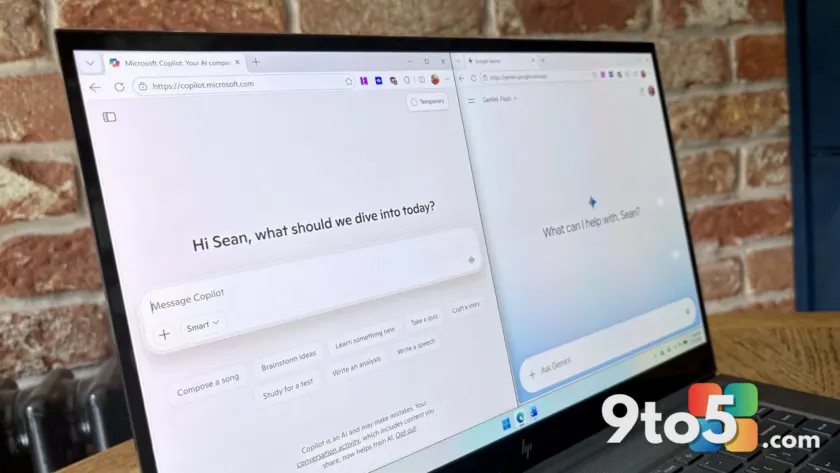
For years, Microsoft Editor has been the default safety net for anyone publishing text online. It catches the obvious typos and flags the standard grammar rules that trip up most writers. But after spending a full month relying exclusively on Copilot and Gemini to proofread my work, I have found that traditional grammar checkers are leaving meaningful mistakes in the dust.
The experiment was straightforward. I took the thousands of words I write for Windows Central and ran them through the free versions of both AI assistants. I did not ask them to generate content or rewrite my drafts. The goal was purely to see how these models handle the editorial pass that Microsoft Editor has owned for years.
Copilot brings a conversational edge
Even when fed an identical prompt, Copilot and Gemini respond with noticeably different tones. Copilot leans into a more personal, conversational style. It asks follow-up questions and tries to explain the reasoning behind its suggestions in a way that feels like a real editor sitting across the desk.
This approach works well for understanding the flow of a piece. When I asked Copilot to analyze the structure of an editorial, it offered thoughtful suggestions on how to rearrange paragraphs for better impact. However, that personality can sometimes get in the way. The model tends to lean on AI cliches, overusing phrases like “actually” and “you hit the nail on the head,” which adds noise to an already dense editing process.
Gemini prioritizes thorough corrections
Gemini takes a different approach. It feels less like a chatty colleague and more like a precise coworker who gets straight to the point. When it comes to mechanical issues, Gemini often delivers more thorough and accurate corrections than Copilot.
The trade-off is that Gemini relies on older training data for certain product names and brand references. It will frequently flag a correctly spelled software name as an error unless you explicitly tell it to search the web for context. Copilot handles this better, though it still requires occasional nudging. For pure proofreading, Gemini’s efficiency makes it the stronger choice, even if it lacks the warmth of its Microsoft counterpart.
Why both outperform Microsoft Editor
The most striking difference between the AI tools and Microsoft Editor is how they process context. Editor operates like a rigid rule engine. It scans for common mistakes and applies fixes without truly understanding the surrounding text. This leads to embarrassing errors that no human would make.
During my testing, Editor insisted I change “over time” to “overtime” in the sentence “Footballs wear down over time.” The suggestion was completely wrong, yet the tool flagged it with confidence. Meanwhile, both Copilot and Gemini correctly identified that the phrase was fine as written.
The reverse is also true. I frequently typed “or” instead of “of” in quick drafts. Editor missed these errors entirely, while the AI assistants caught them immediately. This pattern held true across dozens of documents. The AI tools read sentences holistically, understanding tense, intent, and context in a way that traditional grammar checkers simply cannot match.
What this means for you
If you rely on Microsoft Editor for daily writing, it is time to reconsider your workflow. The tool is fine for catching the most basic typos, but it struggles with the nuances that make writing clear and professional. Copilot and Gemini offer a significant upgrade in accuracy, especially for complex sentences and contextual errors.
For the best results, use these AI tools alongside your existing editor rather than replacing it entirely. Run your draft through Copilot or Gemini first to catch the subtle mistakes, then use Editor for a final pass on the basics. This hybrid approach gives you the best of both worlds.
Both tools are also capable of generating text, rewriting drafts, and adjusting tone. However, they perform best when you provide clear instructions and have already done the heavy lifting yourself. Let the AI handle the polish, but keep a human eye on the final output.
The era of relying solely on a grammar checker for proofreading is fading. AI assistants are now more accurate, more contextual, and more useful than the traditional tools we have depended on for years.
Source: Latest from Windows Central
Over to you: Are you still relying on Microsoft Editor for your daily writing, or have you switched to AI assistants like Copilot and Gemini?
You may also like
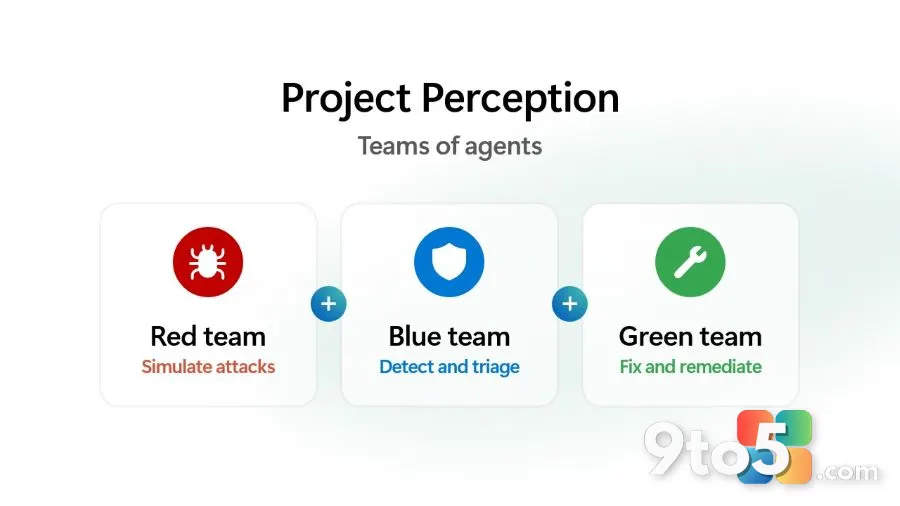 Microsoft Unveils Project Perception, a New AI-Powered Cyber Stack for the Agentic Age
 Xbox Owners Now Get Free PC Copies of Select Ubisoft Games via Ubisoft Connect PC
 Nvidia, Microsoft, and Palantir Launch AI Safety Alliance as OpenAI and Anthropic Stay Away
 Microsoft Admits Windows 11 Apps Hog RAM, Promises WinUI 3 Fix