Microsoft is once again shifting a useful Outlook feature behind a subscription paywall. The company has announced that Outlook’s Meeting Insight feature will be retired by early September 2026. In its place, users will get a new “Prepare for this meeting” experience, but accessing it will require a paid Microsoft 365 Copilot license.
This move effectively ends the era of free, AI-powered meeting context within Outlook for many users. While the new feature aims to provide a more intelligent meeting preparation experience, it comes with a significant cost barrier that did not exist before.
What’s changing in Outlook
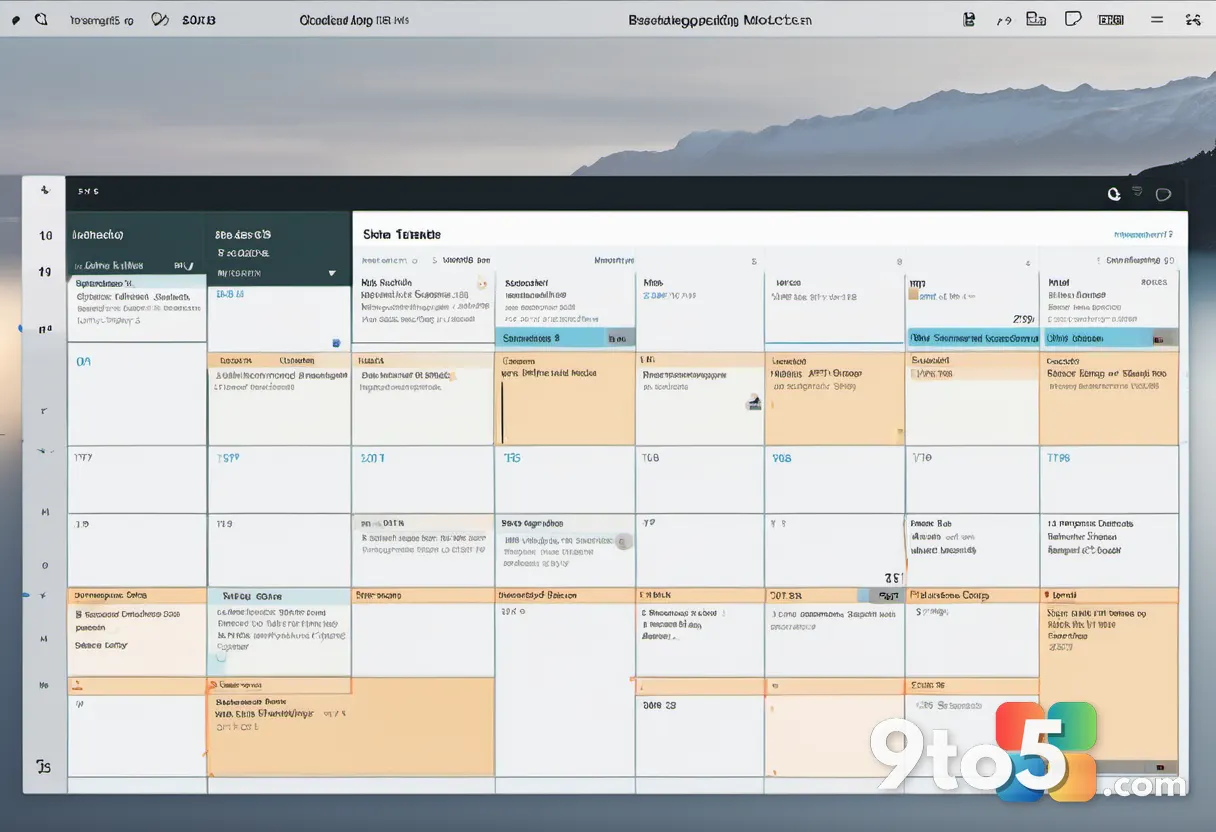
Meeting Insight has long been a staple of Outlook’s calendar interface. When you opened a scheduled meeting, this feature would automatically surface relevant files, emails, and documents associated with the topic or attendees. It was designed to help you hit the ground running without having to dig through your inbox or OneDrive to find context.
The replacement, “Prepare for this meeting,” takes a slightly different approach. Instead of just listing source materials, it generates a summary of relevant content, including talking points, references, and attendee details. While summaries can be helpful for a quick overview, they are not a direct one-to-one replacement for the raw source material that Meeting Insight provided.
For users who rely on specific documents or email threads to prepare for meetings, the shift from direct access to summarized content may feel like a step backward. If you are already including summaries in your own documents, the new feature offers less additional value. Microsoft states the change is intended to “provide a more intelligent and context-aware meeting preparation experience,” but the requirement for a paid license changes the equation significantly.
The Copilot paywall expands
This change is part of a broader pattern of Microsoft increasingly monetizing AI features through its Microsoft 365 Copilot subscription. Back in April, Microsoft began requiring a Copilot license to use Copilot Chat in Word, Excel, PowerPoint, and OneNote. This new move extends that strategy to Outlook’s meeting preparation tools.
Microsoft 365 Copilot is a paid add-on that costs $30 per user per month. For individuals and small businesses already using Microsoft 365, this represents a significant additional expense to access features that were previously available for free. The cost adds up quickly for teams that rely heavily on meeting preparation and collaboration.
The decision comes despite Microsoft’s recent efforts to tone down the “Copilot” branding in some areas, such as with Copilot+ PCs. However, within Microsoft 365, the company remains firmly committed to driving subscriptions through its AI capabilities. This pattern of moving useful features behind paywalls is likely to continue as Microsoft seeks to justify the premium pricing of its Copilot offerings.
What the Message Center says
Microsoft detailed the upcoming change through the Microsoft 365 Message Center, specifically article MC1430531. The announcement states that Meeting Insights will be removed across all platforms by early September 2026. The message notes that no action is required from administrators, but recommends communication with users, documentation updates, and training to help them adapt to the new experience.
Microsoft also confirmed there are no compliance issues associated with the change. This is important for enterprise users who need to ensure that new features align with their data governance and security policies. The lack of compliance concerns suggests that the new “Prepare for this meeting” feature meets Microsoft’s internal standards for data handling and privacy.

For IT administrators managing large fleets of Outlook users, this means proactively planning for the transition. While the retirement is scheduled for 2026, early adopters of the new feature may already be seeing it in their environments. Administrators should monitor their tenant settings and communicate the changes to users well in advance to minimize disruption.
What this means for you
If you are a free user of Outlook or on a basic Microsoft 365 plan, you will lose access to Meeting Insight by September 2026. The new “Prepare for this meeting” feature will not be available to you unless you upgrade to a plan that includes Microsoft 365 Copilot. This could impact your workflow if you rely on these tools for daily meeting preparation.
For paid Copilot users, the change may be less disruptive, though you will notice a shift in how meeting context is presented. The summary-based approach could save time for some users, but others may find it lacks the depth of the previous feature. It is worth evaluating whether the new experience meets your needs before committing to the additional cost.
As Microsoft continues to integrate AI across its productivity suite, users should keep an eye on subscription costs. The trend of moving useful features behind paywalls is likely to continue, making it important to evaluate whether the Copilot add-on provides enough value for your specific needs. Consider your current workflow and whether the new features justify the $30 per user per month price tag.
Source: Latest from Windows Central
Over to you: Will you upgrade to Microsoft 365 Copilot for the new meeting features, or stick with the free Outlook experience?
You may also like
 Microsoft Is Making a New Feature Mandatory for Windows KMS Activation
 Thrustmaster T.Flight Hotas 5 for PS5 Adds Crucial Rudder Pedal Support for MSFS 2024
 AMD Ryzen 7 7700X3D Drops to $279, But DDR5 RAM Prices Keep Total Build Costs High
 Call of Duty: Modern Warfare 4 Open Beta Dates Confirmed — Here’s When and How to Play