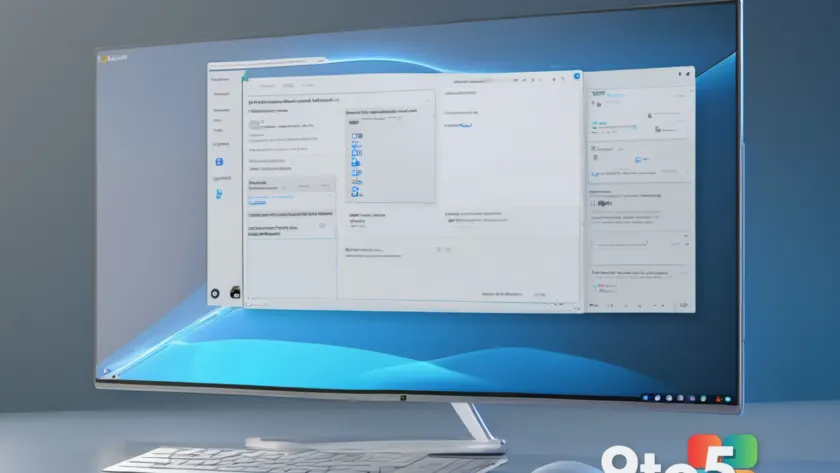
Microsoft has once again extended the reach of Copilot inside Windows 11, adding the AI assistant to another system-level location. According to reporting from Neowin, the company continues to embed Copilot into places where users already spend time navigating the operating system, rather than asking them to hunt for it in a separate app or web portal. The exact build that ships this update has not been publicly detailed yet, but the move aligns with Microsoft’s broader strategy of making Copilot a persistent background layer across the OS.
What Exactly Changed?
The latest integration places Copilot inside a new Windows 11 system area, though the specific UI surface was not fully disclosed in the initial report. What is clear is that Microsoft is treating Copilot less like an optional add-on and more like a native OS component. In previous rollouts, the assistant was anchored to the taskbar, the Start menu, and the Settings app. Each new placement follows the same pattern: identify a high-traffic Windows surface and embed the Copilot pane directly into it. This reduces the number of clicks required to launch the assistant and keeps AI-powered tools within arm’s reach during routine tasks.
How It Fits Into Windows 11
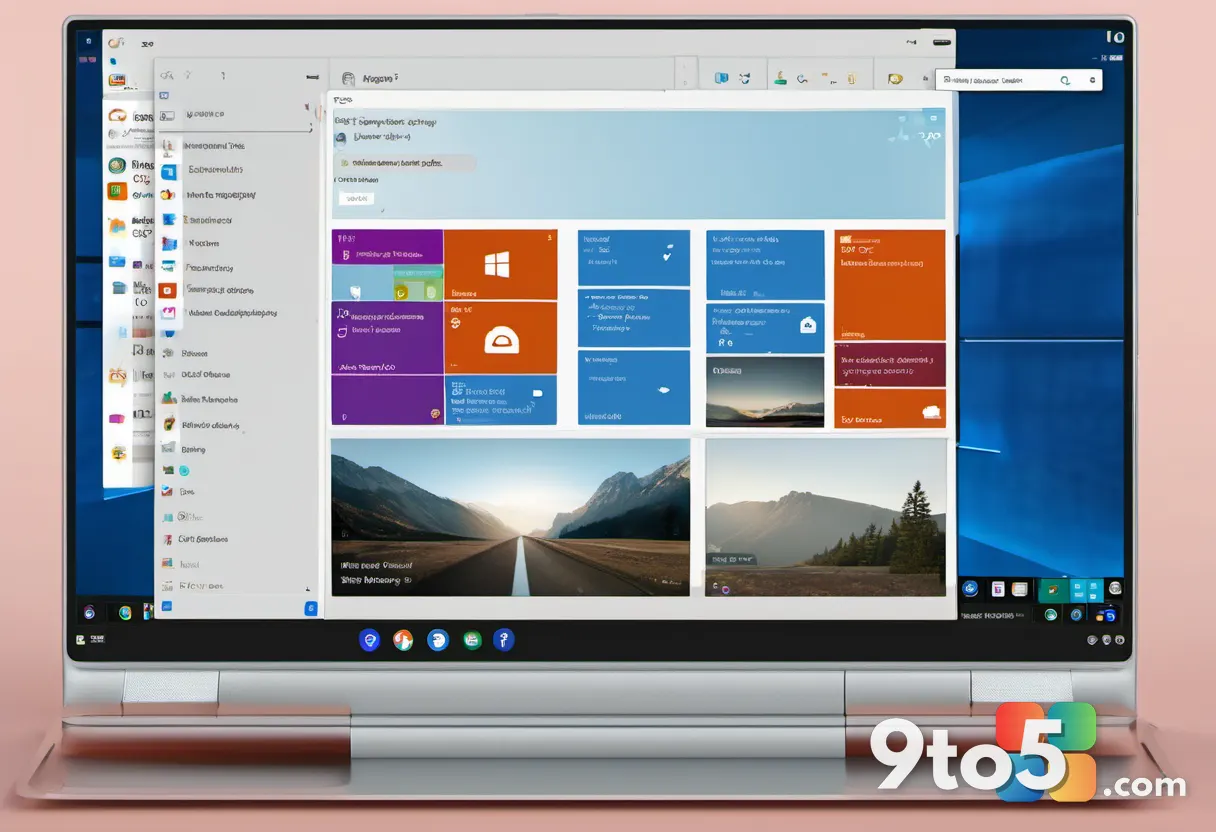
From a technical standpoint, Microsoft is leveraging the same underlying Copilot runtime that powers the taskbar widget and the standalone app. The assistant pulls context from your active window, system settings, and Microsoft 365 data when permissions are granted. Because this new placement sits inside a system-level interface, it will likely inherit the same background service behavior as the existing taskbar integration. That means the Copilot process remains active in the background, ready to respond to voice, keyboard, or touch input depending on your hardware. Users who prefer a leaner system tray may notice another常驻 icon or a subtle toggle in the area they already use for quick access.
What This Means for You
For everyday users, the practical impact is straightforward: you will encounter Copilot more frequently during routine Windows 11 use, without needing to open a separate window or navigate to a specific menu. If you rely on AI for drafting emails, summarizing documents, or troubleshooting settings, this placement shortens the path to those features. However, the trade-off is visibility. Users who prefer to keep Copilot disabled or who are sensitive to background telemetry should know that Microsoft is moving toward a more integrated default experience. You can still manage Copilot permissions through Settings, and regional availability remains tied to your account location and supported languages. If you are running a heavily customized or enterprise-managed device, group policy controls may still override default behavior, which is useful for IT administrators who need to standardize AI access across a fleet.

How to Get It
Because the specific build number was not confirmed in the initial reporting, the rollout will follow Microsoft’s standard update cadence. Windows 11 users on the current stable channel should receive the change through a routine cumulative update, which typically arrives on the second Tuesday of the month. If you are on Windows 11 23H2 or 24H2, the update will likely push through Windows Update by default. Users who prefer to control the timing can open Settings, navigate to Windows Update, and check for the latest optional or cumulative patches. Enterprise environments relying on WSUS or Intune will need to approve the update package before it reaches managed devices, a process that usually takes a few days after public release.
The Bigger Picture
Microsoft’s repeated expansion of Copilot into new Windows 11 surfaces reflects a clear strategic shift. The company is no longer treating AI as a standalone feature to be marketed at Build or CES. Instead, it is being woven into the operating system’s infrastructure, much like Cortana was years ago, but with a fundamentally different architecture and a subscription-backed model. The next question for users will not be whether Copilot is available, but how much control they retain over when and where it activates. As Microsoft continues to add entry points, the balance between convenience and user choice will remain the defining tension of the Windows 11 experience going forward.
Source: Neowin
Over to you: Will you welcome Copilot in more system locations, or do you prefer keeping it disabled until you actively need it?