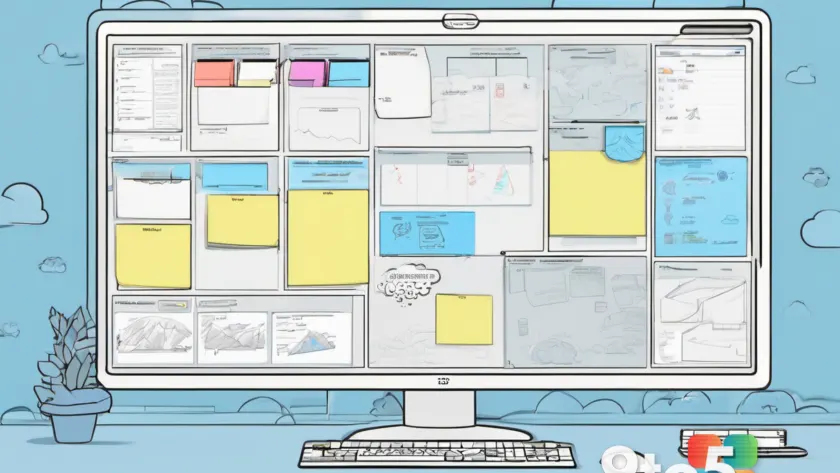
Microsoft Whiteboard is not shutting down, but a significant change is coming for personal users. Starting August 22, 2026, the app will require a Microsoft Business account to create or edit whiteboards. Users with personal accounts will still be able to view and export previously created content for a short time, but they will not be able to create or edit whiteboards. After September 5, 2026, personal users will have their content deleted.
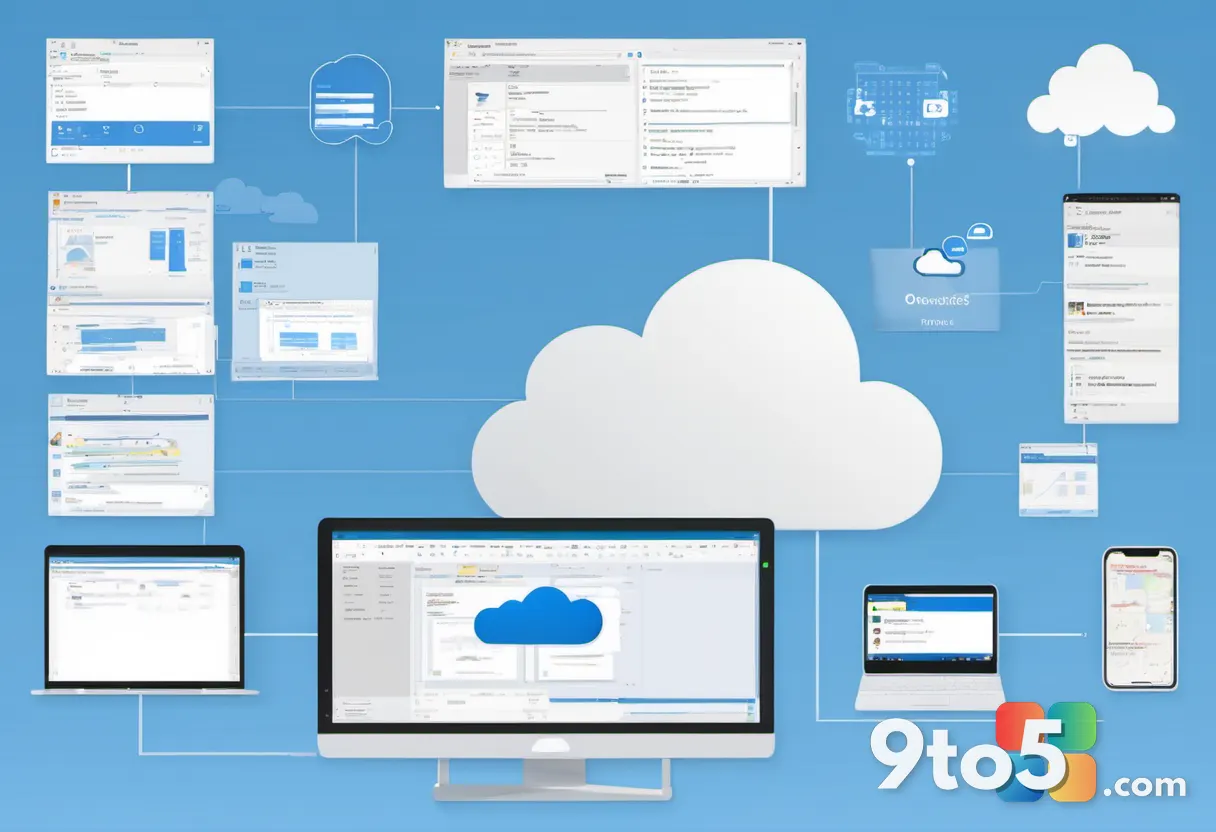
The change is happening because Microsoft is moving storage for Microsoft Whiteboard to OneDrive for Business. That transition will also bring new features and other changes. A side effect is that people without a business account will be left out of the Whiteboard experience.
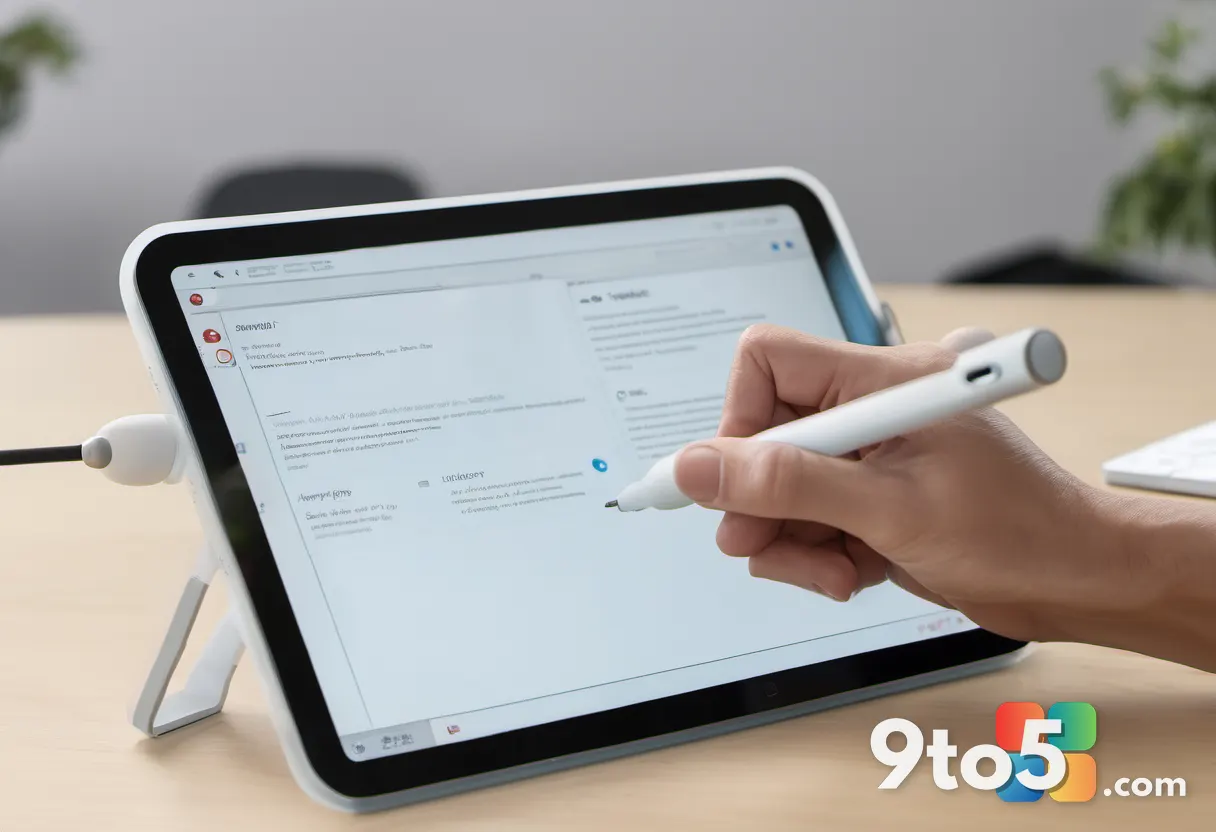
If you are signed into Microsoft Whiteboard with a personal account, you’ll be met with the following message when you open the app:
“Microsoft Whiteboard for Microsoft account is being retired. Starting from August 22, 2026, you will no longer be able to create or edit whiteboards. However, you can continue to view and export them until September 5, 2026, after which they will be permanently deleted. Please export any whiteboards you’d like to keep.”
This clarification comes after a Reddit user, “DownhillHasASign,” asked about the warning message, prompting others to explain the situation. The core issue is the storage migration. Microsoft is consolidating Whiteboard data into OneDrive for Business, which is designed for enterprise and organizational use. This shift aligns with Microsoft’s broader strategy to integrate productivity tools more tightly with its business ecosystem, but it leaves personal users behind.
Why Microsoft Is Making This Move
The decision to move Whiteboard storage to OneDrive for Business is driven by Microsoft’s focus on enterprise solutions. OneDrive for Business offers robust collaboration, security, and management features that align with organizational needs. By centralizing Whiteboard data in this environment, Microsoft can streamline updates, enhance security, and provide a more consistent experience for business users.
However, this move has a notable side effect: it excludes personal users from the Whiteboard experience. While Microsoft has not explicitly stated why personal accounts are being phased out, the shift likely reflects a strategic prioritization of business customers. This is not uncommon in the tech industry, where companies often focus resources on enterprise offerings to drive revenue and growth.
For personal users, this means losing the ability to create or edit whiteboards after August 22, 2026. The short window between August 22 and September 5, 2026, is intended to give users time to export their content before it is permanently deleted. This is a critical period for anyone who has invested time in creating whiteboards.
What Happens to Your Personal Content
Personal users will have a limited window to save their Whiteboard content. From August 22, 2026, to September 5, 2026, you can view and export your existing whiteboards. After September 5, 2026, all personal Whiteboard content will be permanently deleted. This is a hard deadline, and Microsoft has not indicated any extensions or alternatives for recovering deleted content.
The export process is straightforward, but users should act quickly. Microsoft’s message emphasizes the importance of exporting content before the deletion date. It’s recommended to save whiteboards to your local device or another cloud storage service that supports personal accounts. This ensures you retain access to your work even after the transition.
For business users, there is no immediate change. Microsoft Whiteboard will continue to be available with a Microsoft Business account, and the migration to OneDrive for Business is expected to bring new features and improvements. However, personal users should not expect the same level of support or updates moving forward.
What This Means for You
If you are a personal user of Microsoft Whiteboard, this change has direct implications for your workflow. You will need to decide whether to migrate to a business account, switch to an alternative whiteboard app, or export your content and discontinue use. The August 22, 2026, deadline is firm, and the September 5, 2026, deletion date is non-negotiable.
For those considering alternatives, options like Markerpad offer a lightweight, responsive experience but lack online collaboration features. Miro is a popular choice for collaborative whiteboarding but requires a monthly subscription for access to more than three boards. Each alternative has its own trade-offs, so it’s important to evaluate which features are most critical for your needs.

Business users can continue using Microsoft Whiteboard without interruption. The migration to OneDrive for Business is expected to enhance the app’s functionality and integration with other Microsoft 365 tools. However, personal users should plan ahead to avoid losing access to their content.
Alternatives to Microsoft Whiteboard
For personal users looking for alternatives, Markerpad is a lightweight option that runs natively on Windows 11. It uses minimal RAM and loads quickly, making it ideal for quick sketches or local content creation. However, it does not support syncing to the web or online collaboration, which may be a dealbreaker for users who need to work with others.
Miro is another popular choice, particularly for teams that require online collaboration. It offers a robust set of features, including real-time editing, templates, and integrations with other tools. However, Miro requires a monthly subscription for access to more than three boards, which may not be feasible for all users.
When evaluating alternatives, consider factors such as collaboration needs, budget, and ease of use. Microsoft Whiteboard’s retirement from personal accounts is a significant shift, and choosing the right alternative will depend on your specific requirements.
What to Do Next
If you are a personal user of Microsoft Whiteboard, take immediate action to save your content. Export your whiteboards before August 22, 2026, and store them in a location you can access after the deletion date. If you need online collaboration features, consider transitioning to a business account or switching to an alternative like Miro.
For business users, continue using Microsoft Whiteboard as usual. The migration to OneDrive for Business is expected to bring improvements, and you can expect ongoing support and updates. Stay informed about any further announcements from Microsoft regarding the Whiteboard roadmap.
This change highlights the evolving landscape of Microsoft’s productivity tools. As the company continues to prioritize enterprise solutions, personal users must adapt to new constraints and explore alternative options. The August 22, 2026, deadline is a clear signal to act now if you rely on Microsoft Whiteboard for personal projects.
Source: Latest from Windows Central
Over to you: Will you be exporting your Whiteboard content before the September deadline, or have you already switched to an alternative like Miro or Markerpad?
You may also like
 Xbox Game Pass July 2026 Wave 2 Brings Halo: Campaign Evolved, Game Freak RPG, and id Software Classics
 Microsoft Is Overhauling Xbox Account Recovery After Years of User Backlash
 Manchester United and Qualcomm Bring Surface Branding to the Pitch With Limited-Edition Snapdragon PCs
 monday.com cuts 20% of workforce to pivot to AI era