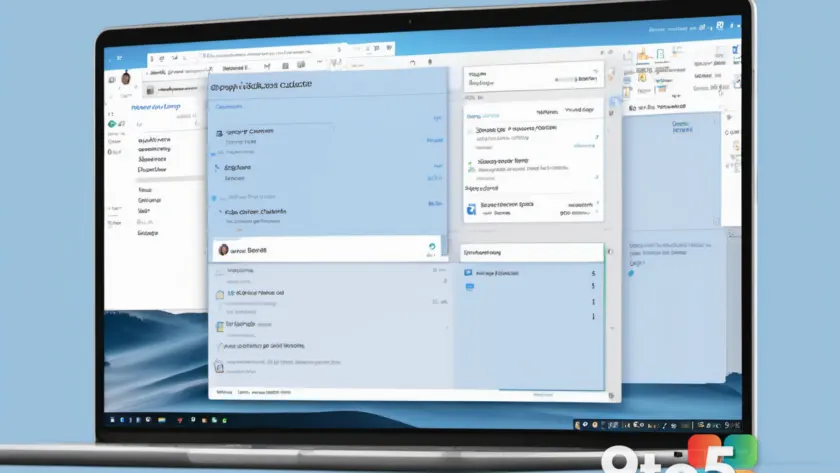
Microsoft has officially reversed a controversial decision that would have removed the expanded People Card feature from Outlook Classic. The move comes after significant user backlash regarding the company’s broader strategy to transition users to New Outlook. This reversal ensures that Classic users will retain access to a functionality that provides detailed contact information directly within the email client.
The People Card in Outlook Classic offers an enhanced view of a contact’s profile, including social media links, job history, and other professional details. This feature was particularly valued by users who relied on it for quick reference during correspondence. The initial plan to restrict this feature to New Outlook was part of Microsoft’s ongoing effort to consolidate its email platforms, but it faced immediate resistance from the user community.
According to reports, the decision was influenced by widespread feedback from users who expressed frustration over the loss of familiar features. Many users felt that the transition to New Outlook was being rushed and that their preferences were being overlooked. The reversal highlights Microsoft’s responsiveness to user concerns and its willingness to adjust its strategies based on community input.
Understanding the Outlook Transition
Microsoft’s push toward New Outlook has been a long-standing initiative aimed at unifying its email and calendar services under a single, modern interface. New Outlook, built on web technologies, offers a streamlined experience with improved performance and integration with Microsoft 365 apps. However, the transition has been met with mixed reactions, as many users prefer the robust feature set of Outlook Classic.
The People Card feature, available in Outlook Classic, provides a comprehensive view of a contact’s professional profile. This includes links to social media, job titles, and other relevant information. By restricting this feature to New Outlook, Microsoft intended to incentivize users to make the switch. However, the backlash indicated that many users were not ready to abandon Classic, especially if it meant losing access to tools they depended on.
The reversal suggests that Microsoft is adopting a more gradual approach to the transition, allowing users to retain access to key features in Classic while encouraging them to explore New Outlook. This strategy may help mitigate frustration and provide a smoother experience for those who choose to migrate.
What This Means for You
For users of Outlook Classic, this reversal is a positive development. It means you can continue to access the expanded People Card feature without being forced to switch to New Outlook. If you rely on this feature for your daily workflow, you can rest assured that it will remain available in your current version of Outlook.
For those considering the transition to New Outlook, the decision to keep the People Card in Classic may influence your choice. If the feature is important to you, you might want to continue using Classic for the time being. However, if you are drawn to the new interface and features of New Outlook, you can still access the People Card there, albeit with potential limitations.
How to Get It
To continue using the expanded People Card in Outlook Classic, ensure your application is up to date. You can check for updates by navigating to File > Office Account > Update Options > Update Now. This will ensure you have the latest version of Outlook Classic with all available features.
If you are using New Outlook and wish to access the People Card, it should be available within the contact details pane. Simply click on a contact’s name or email address to view their profile. If you encounter any issues, consider reaching out to Microsoft Support for assistance.
Looking Ahead
Microsoft’s decision to reverse this change underscores the importance of user feedback in shaping product development. As the company continues to navigate the transition to New Outlook, it will likely need to balance the benefits of a unified platform with the needs and preferences of its diverse user base. Keeping an eye on official announcements and community discussions will help you stay informed about future changes and updates.
Source: Neowin
Over to you: Which version of Outlook do you prefer for your daily workflow, Classic or New Outlook?
You may also like
 Meta Horizon+ Members Now Get Xbox Game Pass Through New Microsoft Partnership
 Apple’s New Era: Ternus Takes the Helm as Market Dominance and Legal Battles Define the Future
 LG’s Monitor App Silently Installs McAfee Bloatware on Windows 11, Exposing a Decade-Old Windows Loophole
 Developer Gets Nvidia RTX 4060 Running on Windows 11 ARM by Extracting RTX Spark Driver