Microsoft is preparing to retire its M365 Project usage report next month, a change that will remove historical activity data tied to certain project management services. Organizations that pull this report through the Microsoft admin center should treat it as a heads-up and act before the retirement takes effect.
According to the retirement notice surfaced by Neowin, the move is part of Microsoft’s ongoing effort to clean up older reporting that no longer lines up with its current set of Project services. For admins who have built dashboards, audits, or licensing reviews around historical usage figures, that kind of cleanup usually means doing some of the work themselves first.
What is the M365 Project usage report?
The M365 Project usage report lives inside the Microsoft admin center (admin.microsoft.com), the hub where administrators pull a family of usage reports to track how services across a tenant are being used. In this case, the report tracks activity for specific project management services, giving admins a historical view of who is doing what and when.
Once the retirement lands next month, that accumulated activity data will no longer be available through the report. Going forward, generated reports will stop showing the usage history that previously populated the tool. Importantly, this is a change to the reporting layer rather than to Project itself — your projects, assignments, and underlying data are not affected.
Why Microsoft is retiring the report
Microsoft regularly retires reports and features as its service portfolio shifts. The Project product family has changed considerably over the years, with services such as Project Online (in both on-premises and cloud forms), Project Server, and the newer Project for the Web each serving different audiences. As adoption moves and some services reach end of support, the reports that tracked their activity often become redundant.
Based on the retirement notice, Microsoft is treating this report as one that no longer matches the current service set. The company typically runs these retirements to reduce clutter in the admin center and to concentrate support on reporting that reflects today’s offerings. This is a standard lifecycle event, not a response to a bug or a security vulnerability.
What this means for you
If you or your organization have ever pulled this report to audit adoption, justify licensing, or track a usage trend, the practical impact is simple: that historical data will vanish once the report is gone, and you won’t be able to regenerate it from Microsoft’s side afterward.
This hits hardest for teams that use the report on a recurring basis — for instance, to prove that Project licenses are actually in use, or to spot dormant assignments. Without the historical record, you lose the ability to compare current activity against past periods using this particular tool.
It’s also worth separating two things: this is a reporting retirement, not a service shutdown. Your projects and data remain intact; only the historical usage report is being removed. If you’ve leaned on it for compliance or auditing, you’ll want a backup before the cutoff.
What you should do before it’s gone
The safest move is to export any data you still need while the report is still live. Most admin center reports let you download results as a CSV or Excel file, so pull a fresh export now and store it somewhere your team can rely on later.
If you build recurring reports or dashboards off this data, plan to either rework those workflows around an alternative data source or archive the historical exports so you keep the trend lines you’ve come to depend on. A single export today can save a lot of backtracking next month.
It’s also worth documenting the change for any stakeholders who consume these numbers, so nobody is blindsided when the report stops populating. A quick note in your reporting runbook or a message to the team goes a long way.
How to access the report before it retires
To find the M365 Project usage report, sign in to the Microsoft admin center and head to the reporting section where usage reports are listed. From there you can generate a current report and export it before the retirement takes effect next month.
Because the exact date is tied to “next month” as described in the notice, keep an eye on the admin center for any deprecation messaging, which Microsoft typically surfaces in advance. If you manage a large fleet or multiple tenants, flag this to whoever owns reporting so the transition doesn’t slip by unnoticed.
Source: Neowin
Over to you: Do you still rely on the M365 Project usage report for licensing or adoption audits, or have you already moved to another data source?
You may also like
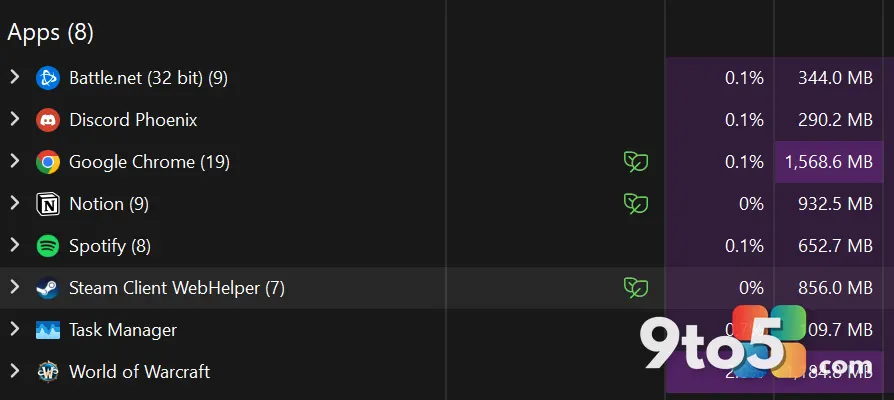 Discord’s Rust rebuild eats just 290MB of RAM — killing the Electron app that could hit 4GB
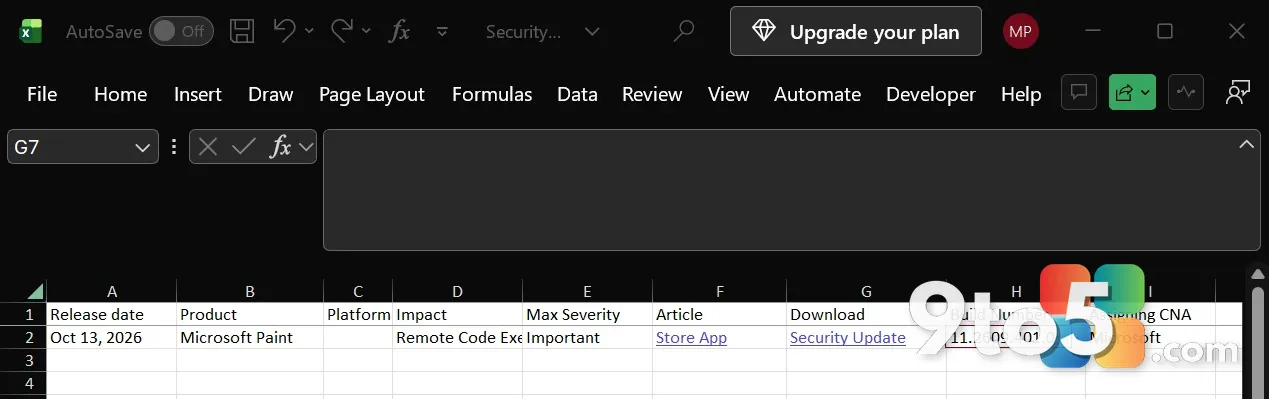 Windows 11’s Microsoft Paint vulnerability is real — and the fix may not install
 Microsoft Paint Vulnerability CVE-2026-83844 Lets Hackers Take Over Windows 11
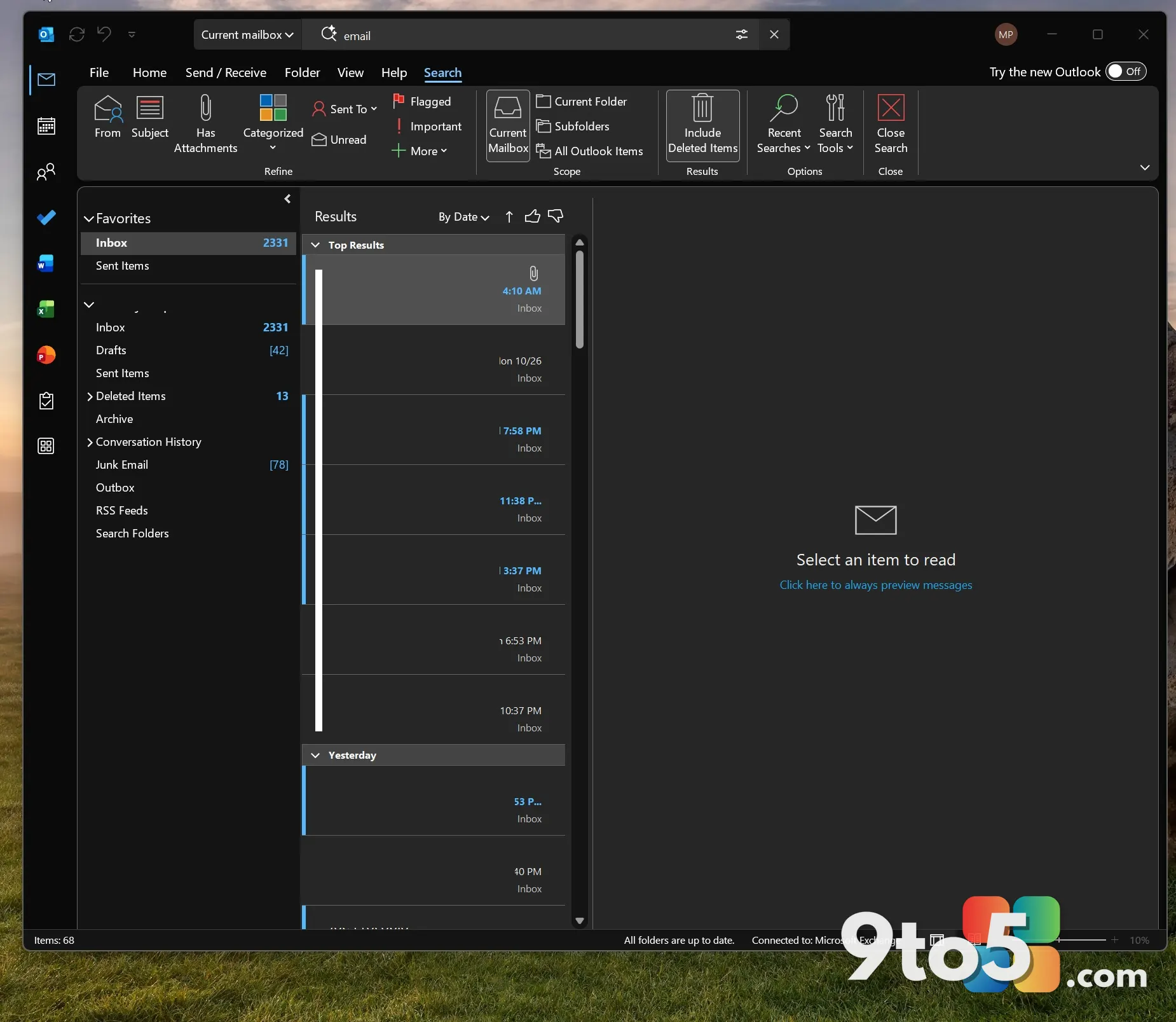 Outlook Classic Search Just Got Smarter — and Falls Back to Your PC