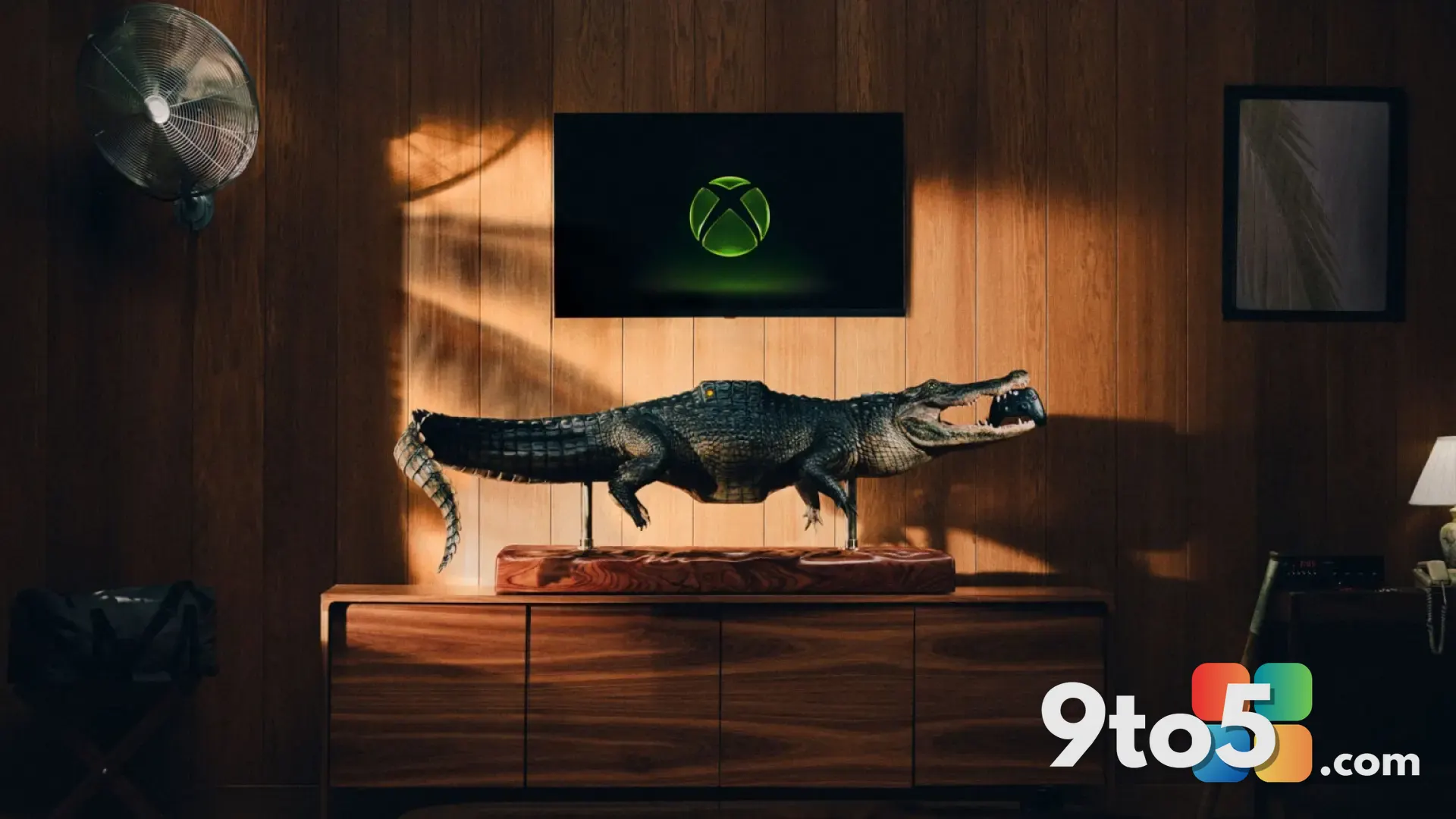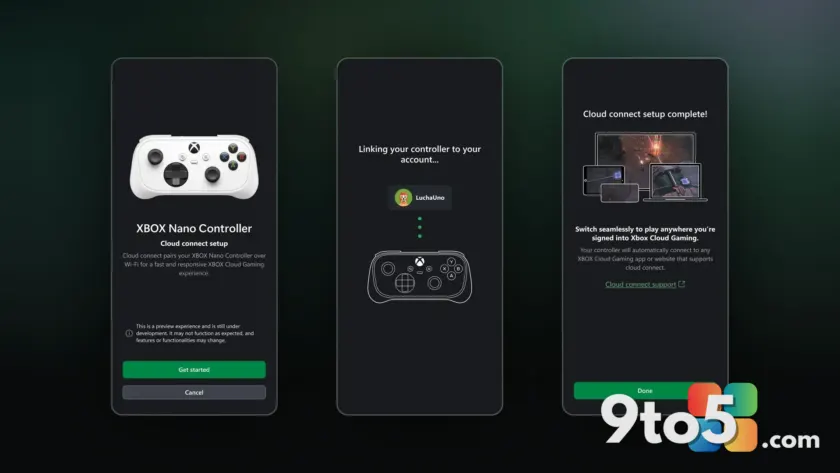
Microsoft is quietly expanding how you play Xbox Cloud Gaming, and the Xbox Nano Controller is right in the middle of it. According to Neowin, Microsoft is testing two new features that touch on both portable and living-room streaming. One brings direct Wi-Fi support to the tiny controller, and the other lets Smart TV owners use their phones to play.
Both are still in testing, so neither is rolling out to everyone yet. But together they point to a clear direction for Microsoft’s cloud strategy: make streaming more flexible across the devices you already own, without forcing you to buy new hardware.
#1 Xbox Nano Controller gains direct Wi-Fi cloud gaming support
The Xbox Nano Controller launched as a compact, Bluetooth pairing companion for cloud gaming. Its whole pitch was portability — a small pad you clip to your phone or pair with a tablet or PC running the Xbox app, then stream games over the network instead of running them locally. It was meant to turn almost any screen into a spot for a quick session.
Now Microsoft is adding direct Wi-Fi support for cloud gaming sessions on the controller. In practice, that means the Nano can connect to your Wi-Fi network to carry the streaming video and input, rather than relying solely on the Bluetooth link to your phone or device.
Why does that matter? Bluetooth is excellent for low-latency input, but it was never really designed to push a full video stream. Offloading the streaming traffic onto Wi-Fi can ease congestion on the Bluetooth channel and give you a more stable picture, especially in environments with a lot of wireless interference or many connected devices.
Microsoft hasn’t spelled out the exact technical details or a release date, so treat the specifics as unconfirmed. What’s clear from the testing is that the company wants the Nano to feel less like a Bluetooth add-on and more like a dedicated cloud-gaming handheld, closing part of the gap between streaming and running games natively.
#2 Smart TV players can stream with their phones
The second feature Microsoft is testing targets the living room. Xbox Cloud Gaming has been available on Smart TVs for a while now, supported on a growing list of models, but the input options for those sessions have been fairly limited.
The new testing lets Smart TV users play using their phones as the controller. Instead of being tied to a paired pad or a keyboard and mouse, you can pull out your phone and use it to control the streamed game directly on your TV.
This is a practical move for casual sessions. If you’re on the couch and don’t want to hunt for the controller, your phone becomes an instant input device. It also lowers the barrier for anyone who owns a supported Smart TV but doesn’t have a dedicated cloud-gaming controller on hand.
As with the Nano update, Microsoft is only testing this and hasn’t confirmed a timeline or listed which TV models will be included, so availability will vary.
What This Means for You
Both features are about making cloud gaming more accessible. The Nano’s Wi-Fi support should give portable streamers a cleaner, more reliable connection, while the Smart TV phone control opens up the couch experience to more people who already own a compatible TV.
The catch is that both are still in testing. That means you won’t see them in your app today, and Microsoft could still adjust or pull them before a wider release. If you’re excited about either, the best move is to keep the Xbox app and your TV’s gaming apps updated so you’re first in line when they do roll out.
How to Get It
Since these features are in testing, there’s no manual toggle or setting to enable right now. Microsoft typically rolls out experimental features to a subset of users as it gathers feedback, so availability will depend on your region and account.
Make sure you’re running the latest version of the Xbox app on your device, and keep your Smart TV’s gaming apps current. If you own the Xbox Nano Controller, a firmware or app update is the most likely way the Wi-Fi support reaches you once it leaves testing.
Source: Neowin
Over to you: Would you rather stream with the Nano’s new Wi-Fi connection, or play on your TV using your phone — and which would you reach for more often?