Here’s where things stand on the Windows 11 KB5120998 cursor problem.
- Status: Confirmed. Microsoft has updated its release notes to acknowledge the bug and is currently investigating.
- Affected builds: Windows 11 KB5120998 — Build 26200.9278 on version 25H2 and Build 26100.9278 on version 24H2.
- Release date: August 27, 2026.
- Known issue: Mouse cursor personalization settings changed or reverted to standard settings after installation.
- Workaround: Uninstall KB5120998 through Settings > Windows Update > Update History > Uninstall.
Now let’s talk about what actually happened.
On Thursday, Microsoft shipped Windows 11’s biggest update of the year, bundling a resizable Start menu, a movable Taskbar, and Windows Search without Bing. But the same optional update that rolled out as Windows 11 KB5120998 quietly broke the mouse cursor for a growing number of users.
Until now, Microsoft had stayed quiet. It only took a wave of reports before the Redmond company updated its release notes to confirm the cursor problem exists.
“Microsoft has received reports indicating that mouse cursor personalization settings are being changed or reverted to certain standard settings,” the updated release notes warn. “This occurs following installation of Windows updates released August 27, 2026 (KB5120998) and later,” as noted in Microsoft’s Windows 11 25H2 release health status page.
That’s the “We’re aware” moment every Windows update controversy reaches, and it usually signals a formal follow-up with a fix.
Windows 11 KB5120998 can break cursor size, colour and custom schemes
The symptoms vary, but they all trace back to installing Windows 11 KB5120998. Based on the reports Microsoft has seen and the ones Windows Latest has collected, here’s what could happen if you install the update and strike unlucky:
- Cursor animations can look broken, and the appearance can change — especially if you use a custom scheme, including those from the official Windows Settings.
- Some cursors set to default are being replaced by larger cursors.
- If you had a white cursor, it could become large and black, and vice versa.
- Custom schemes or cursor animations can revert to standard settings.
- If you try to restore a smaller or regular cursor, it can revert back to the broken one, because the settings simply aren’t saved.
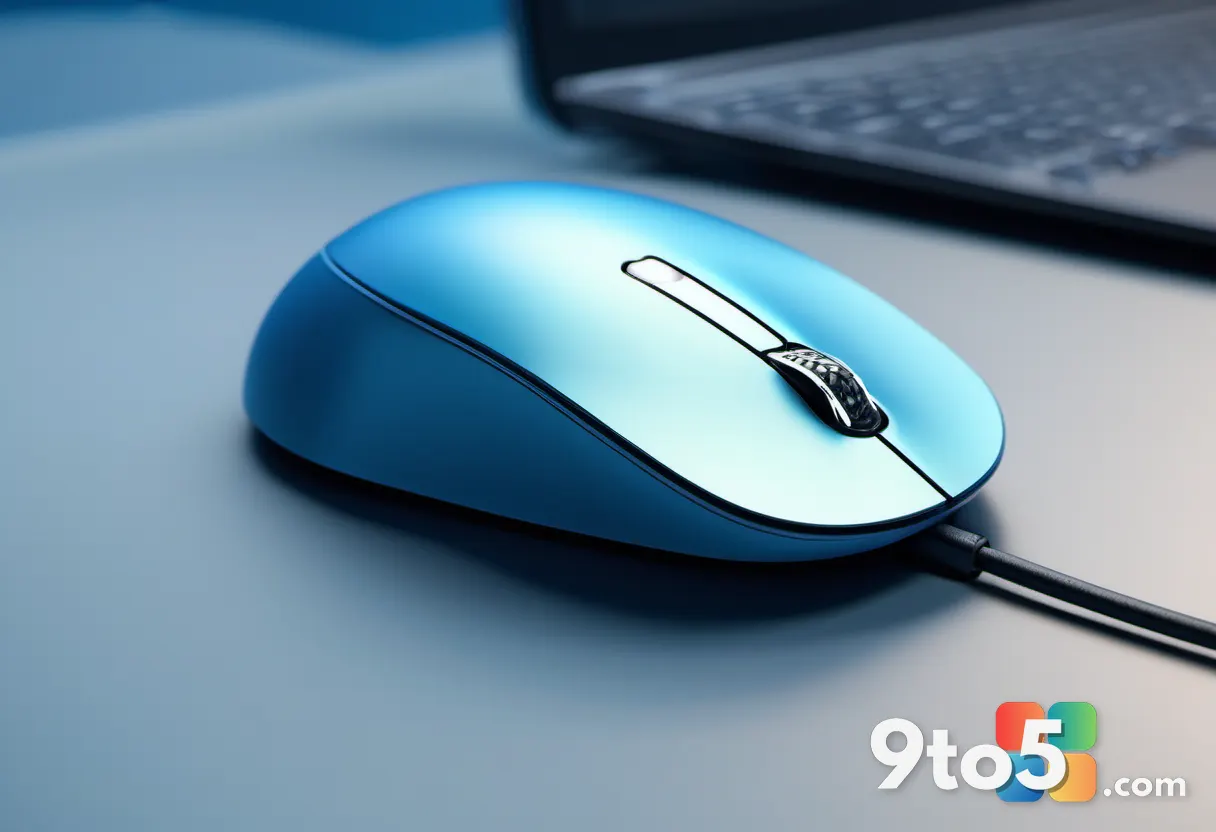
The most visible symptom is the oversized cursor, but the lost custom schemes are arguably the more annoying part for power users who spend time tuning their pointer appearance.
One affected user we spoke with tried everything. They reset the Windows Registry, ran DISM, and reset the mouse cursor settings to default. Nothing worked. Only after they uninstalled Windows 11 KB5120998 did the cursor return to normal on its own.
That pattern appears consistent across everyone who flagged cursor issues, which is what pushes Microsoft to list the problem on its release health page rather than let it smolder.
How to remove Windows 11 KB5120998
If you hit the cursor bug, the only fix that appears to work is a manual uninstall. No registry tweak or DISM sweep clears it, so you’ll want to roll the update back.
Because Windows 11 KB5120998 is an optional release, you can remove it without losing this month’s Patch Tuesday security fixes. Follow these steps:
- Open Settings.
- Go to Windows Update.
- Click Update History.
- Select Uninstall.
- Locate KB5120998 in the list.
- Click Uninstall and confirm.
Once the uninstall finishes, your cursor should snap back to whatever size and scheme you set before.
Windows 11 KB5120998 is a “preview” update, but not the type you might think
Some people will argue this was a “preview” update that shouldn’t have landed on production PCs. But it’s not the kind of preview you’d expect.
It isn’t a Windows Insider Preview technical build. Microsoft uses similar wording for both, but optional updates are offered to regular production PCs. They simply don’t download or install automatically unless you’ve enabled the option to get the latest updates as soon as they’re available.
In fact, Microsoft has never recommended against optional updates. They’re meant for anyone who wants to try new features ahead of the next Patch Tuesday release, which would ship the same changes anyway alongside security fixes.
Windows optional preview updates are typically about as stable as Patch Tuesday releases, and they were more or less the same when Windows 10 was the flagship operating system.
The uncomfortable part is that Windows quality has slipped over the last few years. Microsoft trimmed its Quality Assurance staff and leaned more heavily on AI-driven testing, and many users have noticed the trend. This cursor bug is another data point in that decline.
What This Means for You
For most everyday Windows 11 users, the risk is modest. You’ll lose your custom cursor scheme, and you might be stuck with a giant or tiny pointer until you roll back the update. Nothing catastrophic, but nothing graceful either.
If you’re the type who has spent time personalizing your cursor — custom animations, specific colors, accessibility-sized pointers — this update is worth a closer look before you click.
The good news is that the fix is reversible and doesn’t cost you the security updates. You can install the optional update, test it, and uninstall it without leaving a hole in your defenses.
How to Get It & What to Do
Windows 11 KB5120998 is an optional update, so it won’t push itself to your PC automatically. It shows up on all PCs by default, though, so you’ll see it in Windows Update whether or not you’re part of the Insider program.
If you want the new Start menu, Taskbar, and Search features, install it. If you’d rather keep your cursor exactly as-is, leave it optional and wait for the next Patch Tuesday release to arrive on its own.
Either way, keep the uninstall path handy. If the cursor starts acting up, a quick rollback through Update History is your fastest route back to normal.
Source: Windows Latest
Over to you: Will you install Windows 11 KB5120998 for the new Start menu features, or leave it optional until Microsoft ships a fix?