What’s New in the Kensington Expert Mouse Pro TB900 EQ
Kensington is marking 40 years of innovation in the trackball space with the launch of the Expert Mouse Pro TB900 EQ. As the company’s most ambitious peripheral to date, this device targets power users who manage complex multi-monitor setups, edit video, or work extensively with spreadsheets. While ergonomic vertical mice often dominate the conversation around wrist health, trackballs have maintained a dedicated following for their ability to keep the hand and wrist stationary while navigating the cursor.
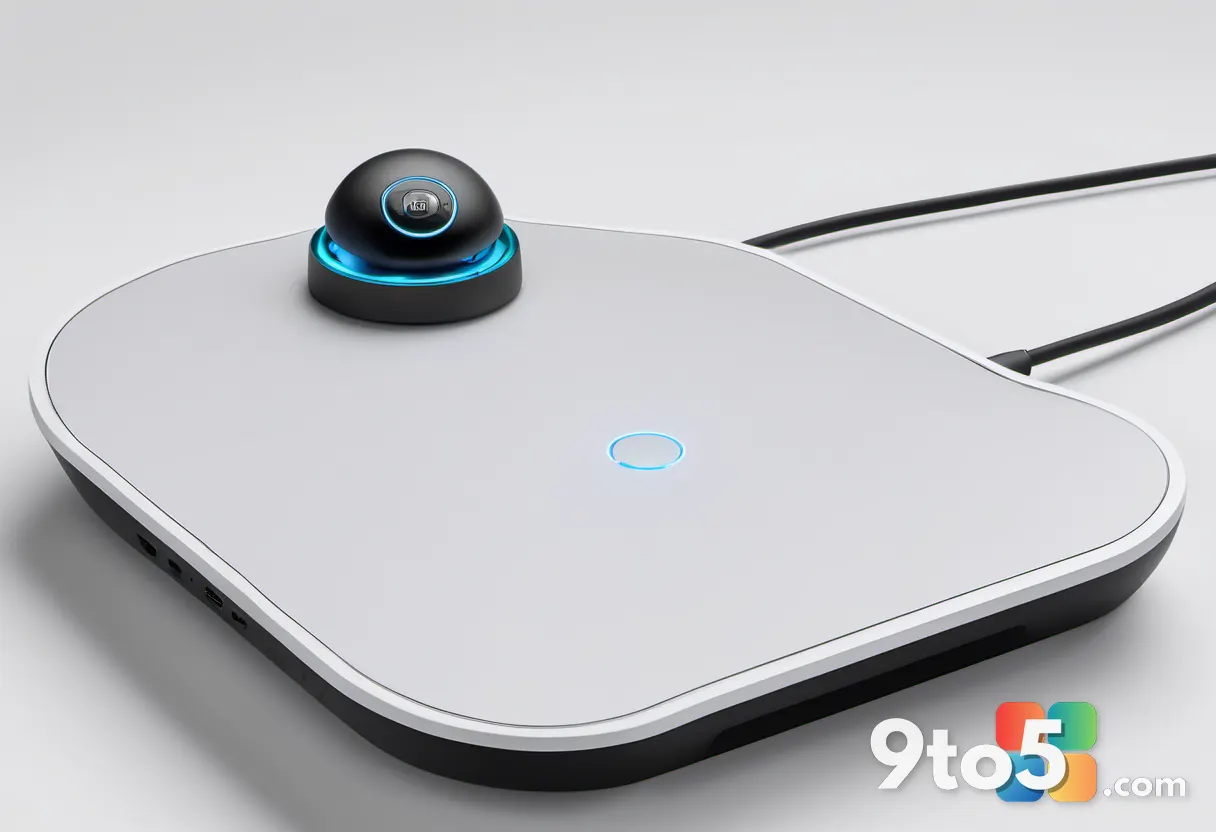
The TB900 EQ retains the commanding, symmetrical silhouette that defined the original Expert Mouse series, ensuring ambidextrous comfort for both left- and right-handed users. At the center sits a massive 55mm tracking ball. The integrated Expert scroll ring now offers software-adjustable responsiveness through the KensingtonWorks application, providing tactile feedback that bridges traditional mechanical inputs and modern software-driven customization.
Notably, Kensington has removed the traditional snap-on wrist rest found on legacy models. While the chassis features a naturally sloped angle that remains comfortable during extended sessions, the absence of the included pad marks a clear departure from previous generations.

Controls and Customization
Kensington has completely overhauled the hardware interface to support modern workflow demands. The device features two side scroll wheels for effortless horizontal navigation across ultrawide displays, alongside an array of physical buttons. Through the KensingtonWorks software, users can configure up to 16 sets of programmable controls by layering button combinations. This allows for application-specific commands, multi-display shortcuts, and complex workflow macros without relying on physical switches.
Digital handling of scroll behavior and button mapping gives power users deep flexibility to tailor the device to specific tasks. Admins managing a fleet of these units will appreciate that button assignments and scroll sensitivity can be pushed out via configuration profiles, streamlining deployment across different roles.
Performance and Connectivity
Historically, trackballs have struggled to match the responsiveness of high-end desktop mice, particularly on fast, high-refresh-rate displays. The TB900 EQ addresses this with a 1kHz polling rate, delivering gaming-mouse level precision for productivity workflows. This is paired with Kensington’s DIAMONDEYE Optical Tracking system, which utilizes dual sensors to maintain razor-sharp cursor movement across any surface. Early testing shows the 55mm ball glides smoothly across high-resolution monitors without jitter or artificial smoothing, a notable improvement over previous optical trackball generations.
The underside features minimal physical toggles for device switching and power, supporting four connection channels: 2.4GHz wireless via a USB receiver, two separate Bluetooth channels, and a USB-C direct wired connection. This quad-connectivity allows users to bounce between a primary Windows desktop, a secondary laptop, and a tablet with ease.
Battery life is rated at up to four months on a single USB-C charge, effectively eliminating daily charging routines for most users.
What This Means for You
For professionals who spend hours navigating dense spreadsheets or managing multiple monitors, the TB900 EQ represents a significant upgrade in both precision and customization. The shift to a 1kHz polling rate and dual optical sensors means the cursor will feel instantly responsive, even on high-refresh-rate displays where traditional trackballs often lag. The extensive macro capabilities through KensingtonWorks allow you to automate repetitive tasks, though it does require an initial investment of time to configure the 16 control sets to your specific workflow.
The removal of the wrist rest and the learning curve for those switching from standard mice may give some users pause. The device targets enthusiasts who prioritize efficiency and customization over plug-and-play simplicity.

How to Get It
The Kensington Expert Mouse Pro TB900 EQ is priced at $129.99 USD and is scheduled for release in late Q3. It will be available directly from Kensington’s website and authorized retailers. Given the specifications, including the 1kHz polling rate, dual optical sensors, quad-connectivity, and deep software customization, it positions itself as a premium option for power users seeking a high-performance trackball. Those interested in tracking availability can sign up for notifications on the official Kensington product page, according to details reported by Windows Central.
Source: Latest from Windows Central
Over to you: Are you making the switch from a standard mouse to a trackball for your multi-monitor workspace?
You may also like
 Microsoft Whiteboard Isn’t Dying, But Personal Accounts Will Lose Access Next Month
 Xbox Game Pass July 2026 Wave 2 Brings Halo: Campaign Evolved, Game Freak RPG, and id Software Classics
 Microsoft Is Overhauling Xbox Account Recovery After Years of User Backlash
 Manchester United and Qualcomm Bring Surface Branding to the Pitch With Limited-Edition Snapdragon PCs