Before we dig into the details, here is a compact rundown of what we currently know about the problem:
- Status: Confirmed, with the breakage under investigation.
- Affected build: Windows 11 22H2 (Build 22621).
- KB article: KB5120998, the October 2022 cumulative update.
- Symptoms: Custom mouse and desktop settings reverting or misbehaving after installation.
What the KB5120998 update is breaking
Microsoft’s latest Windows 11 update, KB5120998, is adding to a growing list of complaints from users who say the patch broke custom settings they depend on day to day. According to Neowin, the update is now breaking “even more custom settings users rely on,” which points to a pattern rather than an isolated incident.
The two areas drawing the most frustration are mouse configuration and desktop settings. For people who have spent time tuning their pointer speed, button layout, or desktop icons, the update appears to wipe or ignore those preferences once again.
What makes this especially galling is that these are not obscure power-user tweaks. They are the everyday adjustments most Windows 11 owners make when they first set up their PC, and having them reset without warning is exactly the kind of regression that erodes trust in a routine cumulative update.
The mouse settings problem
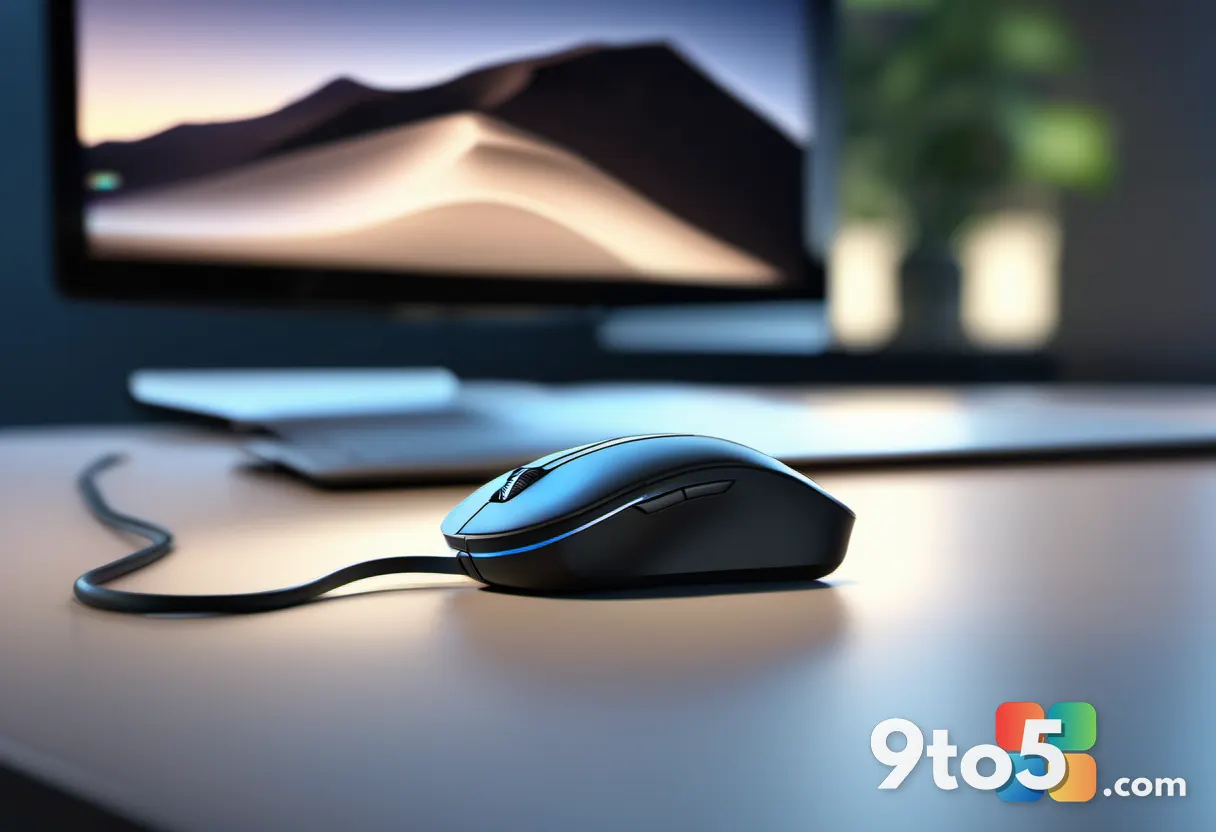
Mouse settings are among the most personal on any computer. Users adjust pointer speed, scrolling direction, secondary-click behavior, and hover sensitivity to match how they actually work and play. When this update disturbs those values, the effect is immediate and noticeable.
Reportedly, the update fails to preserve these customizations, leaving owners with stock defaults after a reboot. A pointer that suddenly feels too fast or too slow, or buttons that swap functions, can turn a routine workday into a small nuisance.
From a technical standpoint, mouse configuration lives in the registry and is managed through both the Settings app and the classic Control Panel applets. When a cumulative update touches the code paths that read or write these values, the common result is a settings reset that users never asked for.
The desktop settings fallout
The desktop is the other casualty. This covers icon arrangement, taskbar behavior, and personalization choices that shape how the desktop looks and behaves at a glance.
When these break, users can find their icons scattered, their taskbar reverted, or their wallpaper and theme choices ignored. It is less dramatic than a crash, but just as disruptive to anyone who has organized their workspace to their liking.
The phrase “even more” in the original reporting suggests these mouse and desktop issues sit on top of earlier complaints about the same update, reinforcing the sense that this patch has been rough for people who customize their system.

Why this keeps happening
Windows 11 shipped in October 2021 with a much larger attack surface than Windows 10, and its Settings app, Start menu, and personalization subsystems have been under continuous development. Cumulative updates like KB5120998 frequently touch the code behind these features, and when a change is not fully tested against every custom configuration, regressions slip through.
Microsoft has acknowledged in the past that some cumulative updates break settings, and the typical remedy is a follow-up patch. The company’s update cadence means it ships fixes faster than it can prevent every issue, but that does little to comfort users who wake up to a broken mouse.
What this means for you
If you have not installed the KB5120998 update yet, you may want to hold off if your workflow depends heavily on custom mouse or desktop settings. Updates can be paused through Windows Update, giving you time to see whether others report problems first.
If you have already installed it and your settings are broken, the practical fix is usually to reapply your customizations and watch for a Microsoft follow-up patch that restores them. Keep a note of your preferred pointer speed and icon layout so you can restore them quickly.
What you can do
First, back up your current settings where possible. Many mouse and desktop preferences can be reconfigured through the Settings app, and some can be exported from the registry for power users who are comfortable editing system values.
Second, keep an eye on Microsoft’s official support pages and the Windows Insider Blog for an updated changelog. When a fix lands, it is typically distributed as another cumulative update, and you can install it through Windows Update.
Finally, if the breakage is severe, you can uninstall the update through the Update History settings and roll back to the previous build until Microsoft resolves the issue. This is a heavier step, but it remains available to anyone stuck on a broken patch.
Source: Neowin
Over to you: Has the KB5120998 update reset your own mouse or desktop settings, and did you manage to get them back?
You may also like
 Microsoft Releases KB38982839 SCCM Hotfix That Admins Should Install Now
 Microsoft Edge Now Rolling Out Major Updates Every Two Weeks
 “We’re Aware”: Microsoft Confirms Windows 11 KB5120998 Breaks the Mouse Cursor
 Windows 11 Preview Update Breaks Mouse Settings, Then Spams You With False Defender Alerts