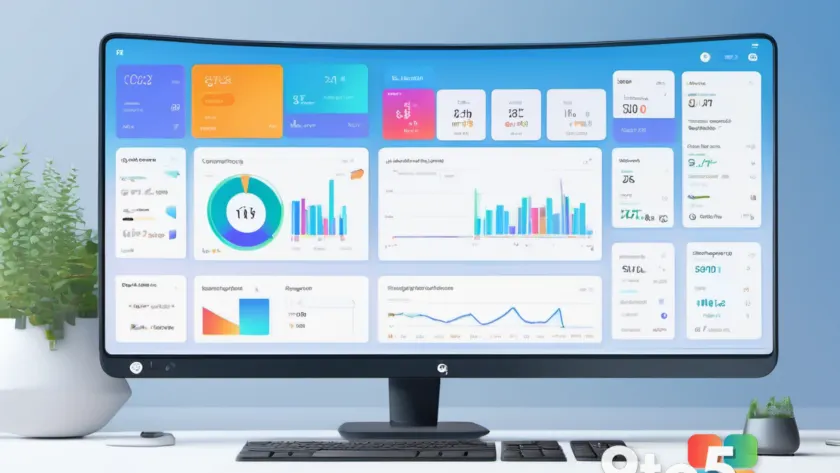
Google is stepping into the graphic-design arena with a brand-new AI tool called Google Pics, built directly into Google Workspace and aimed squarely at established creative suites like Canva, Adobe Express, and Microsoft Designer.
According to a report from Neowin, the company is positioning Google Pics as a lightweight, AI-first way to create social graphics, presentations, and marketing assets without leaving the Workspace ecosystem it already uses for email, docs, and spreadsheets.
What Google Pics actually is
At its core, Google Pics is a design assistant that leans on generative AI to help users produce finished visuals from text prompts and existing content. The tool is aimed at people who are not professional designers but still need polished output for work and personal projects.
Google is bundling it inside Workspace, which is a deliberate strategy move. Rather than asking users to adopt a separate web app, the company wants design capabilities to feel like a natural part of the tools people already open every day — Gmail, Docs, Sheets, and Slides.
It is worth flagging that the publicly available details are still fairly thin. Neowin’s report confirms the tool’s existence and its competitive positioning, but has not laid out a full feature list, so exactly what Google Pics can do out of the box remains to be confirmed.
How it lines up against the competition
The design-tool market is crowded, and Google is naming its biggest rivals directly. Canva has become the go-to platform for small businesses and creators, thanks to its vast template library and drag-and-drop editor that requires no formal design training.
Adobe Express offers a lighter-weight take on Adobe’s creative software, blending quick templates with access to Adobe’s fonts and stock assets. Microsoft Designer, meanwhile, folds AI image generation and layout suggestions into Office and Windows, giving it a natural home for people already inside Microsoft’s ecosystem.
By embedding Google Pics into Workspace, the company is trying to win on convenience and integration rather than depth of professional features. The hope is that users who already live in Google’s productivity apps will find it easier to design in place than to jump to a third-party site.
What this means for you
For everyday users, the appeal is simplicity. If you need a social-media post, a flyer, or a quick presentation graphic and don’t want to learn a complicated editor, an AI tool that does the heavy lifting can save real time.
It also means more competition in a space that has been dominated by a handful of players. Historically, that kind of pressure pushes vendors to lower prices, add features, and improve their AI models — outcomes that tend to benefit consumers.
Still, newcomers to any design tool should manage expectations. An AI assistant is great for drafts and quick assets, but it may not replace a professional editor for anything that demands fine-grained control over typography, layers, or print-ready output.
How to get Google Pics
Google has not yet spelled out the full rollout plan, availability dates, or whether the tool will come standard across all Workspace plans or land behind a paid tier. As with most early-stage AI features, expect a phased release that starts with a subset of users before a wider launch.
If you want to try it, the most reliable move is to keep an eye on official Google announcements and updates to your Workspace account, since availability will likely appear there first.
Why Google is making this move
The broader push reflects a common strategy among big software companies: fold AI features into existing subscriptions so users get more value without adopting new products. Design tools are a natural fit, since they sit at the intersection of communication, marketing, and content creation.
For Google specifically, competing in this space also strengthens the pull of its Workspace suite, giving customers another reason to keep their work inside the Google ecosystem rather than drifting to rivals. It is less about winning a design-tool war than about making Workspace harder to leave.
Source: Neowin
Over to you: Will you try Google Pics for your design needs, or are you happy sticking with Canva or Microsoft Designer?