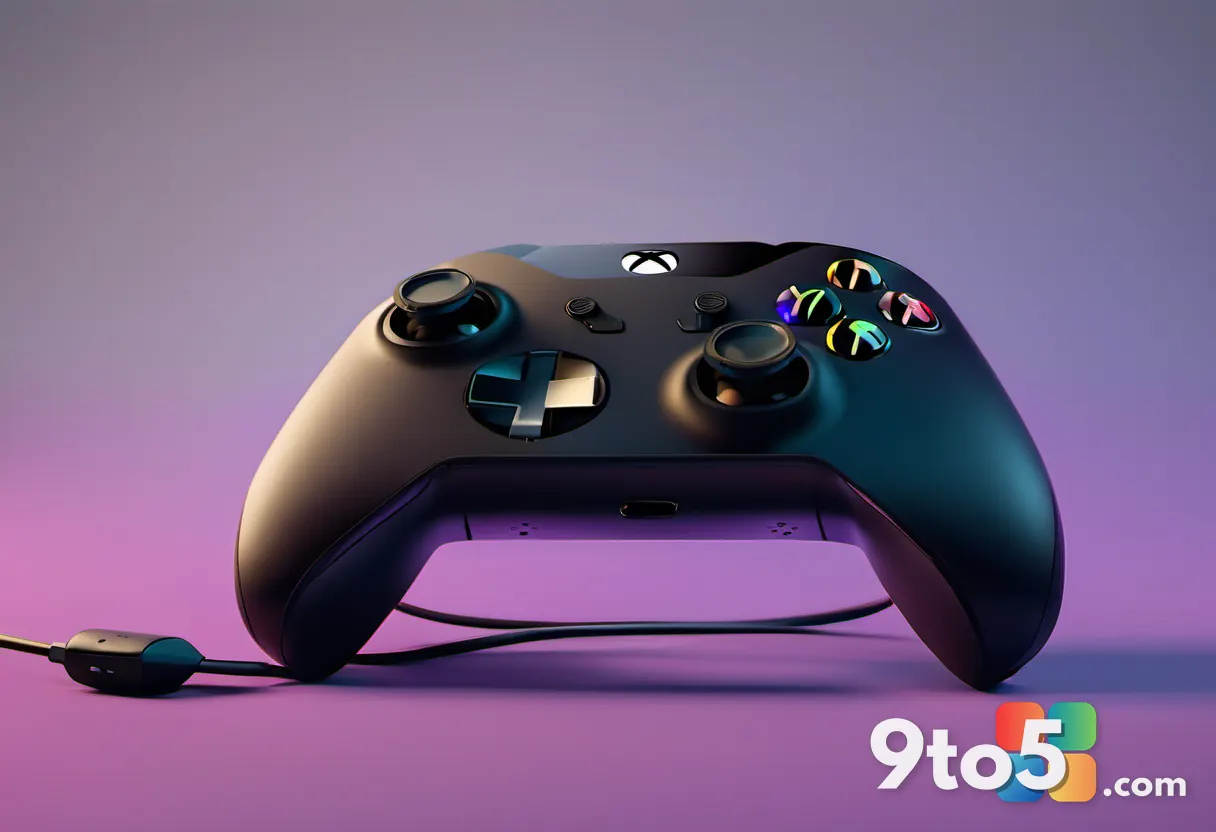
For over a decade, Xbox players have asked Microsoft for a straightforward way to capture party chat audio alongside their gameplay recordings. That long-standing request has finally been addressed. According to reporting from Windows Central, the latest Xbox Insider Program build introduces a new Xbox voice clip recording capability to the Xbox Game DVR. This update allows users to record game chat and party audio directly into their clips, eliminating the need for external capture rigs or streaming PCs just to grab a friend’s reaction.
The feature arrives alongside other quality-of-life improvements in the build, including better management for Xbox cloud saves and improved sorting for your games library. However, the headline addition is undeniably the ability to mix voice chat audio into your DVR recordings. While the feature is functional, early testing reveals it is still in a nascent stage with a few rough edges that Microsoft will likely refine before a wider rollout.
How Xbox Voice Clip Recording Works
Enabling this feature requires a trip to your console’s settings menu. You will need to navigate to Preferences, then select Clip settings, and finally locate the Voice in captures and live streams option. From here, you can toggle the recording of game or party chat audio. The system is designed with privacy in mind, meaning only users who have explicitly enabled audio capture will appear in the sound mix. This gives you granular control over your recordings, ensuring you are not inadvertently broadcasting your reactions or conversations to a wider audience.
Beyond private party chats, the settings also allow you to manage how your voice is handled in public audio environments. You can set whether your voice is clippable in lobby chats, such as those found in Call of Duty, or in proximity chat systems within games like Arc Raiders. This is particularly useful for players who engage in social gaming experiences and want to preserve memorable moments without constantly worrying about their audio being recorded by others.
Current Limitations and Known Issues
While the core functionality is there, the initial implementation of Xbox voice clip recording has some noticeable quirks. The most immediate issue is audio balancing. Out of the box, the gameplay audio tends to dominate the mix, making it difficult to hear voice chat clearly. In early demonstrations, the voice audio was so low relative to the game sounds that users would need to manually lower the gameplay volume significantly to make the clip listenable. Microsoft has not yet introduced audio mix granularity sliders, which would likely be a welcome addition in a future update.
Another minor inconvenience reported during early testing is a brief performance impact. When you initiate a clip capture with voice recording enabled, the game appears to freeze for approximately 0.2 seconds. It is unclear whether this is a direct consequence of the new audio processing or a temporary instability within the current Alpha build. Given that this is an early insider feature, it is reasonable to expect Microsoft to optimize this experience before it reaches general availability.
Despite these initial hiccups, the foundation for a robust social recording tool is clearly in place. The ability to capture both visual gameplay and audio reactions in a single file addresses a major pain point for Xbox content creators and casual players alike. As Microsoft continues to iterate on the Xbox Insider builds, we can likely expect smoother audio mixing and performance optimizations to follow.
What This Means for You
For everyday Xbox users, this update removes a significant barrier to sharing gaming moments. Previously, capturing a funny moment with friends required a complex setup involving a streaming PC, software like StreamLabs OBS, or hardware like an Elgato capture card. Now, that capability is built directly into the console. This means you can focus on the game and your friends’ reactions without worrying about technical setups.
The privacy controls are also a step in the right direction. By allowing you to choose who appears in your audio mix and managing public chat settings, Microsoft is giving users more agency over their digital footprint. This is particularly relevant as social media sharing becomes more integrated into gaming culture. The feature hints at a broader strategy where Xbox might eventually support more direct sharing to social networks or even webcam picture-in-picture clipping, though these remain speculative at this stage. Xbox CEO Asha Sharma, a former Meta executive, has previously emphasized leveraging social virality to grow the platform’s footprint, and this tool aligns with that direction.
How to Get It
To try out Xbox voice clip recording, you will need to join the Xbox Insider Program and opt into the Alpha ring. The feature is currently available to users in this early access tier. Once you have the latest build installed, navigate to your console’s settings as outlined above to enable the voice capture options. If you are not yet an insider, you can sign up through the Xbox Insider Hub app on your console or via the Xbox website.
As the feature matures, Microsoft will likely expand its availability to more insider rings and eventually to all Xbox users. For now, those eager to test the waters of integrated voice recording should ensure their console is updated to the latest Alpha build and explore the new clip settings. Keep an eye on official Xbox channels for further updates on audio balancing and performance improvements.
Source: Latest from Windows Central
Over to you: Will you start using the new voice recording feature for your clips, or do you prefer keeping your party chat private?